Understanding Element Dimensions in JavaScript: Width and Height
In Brief
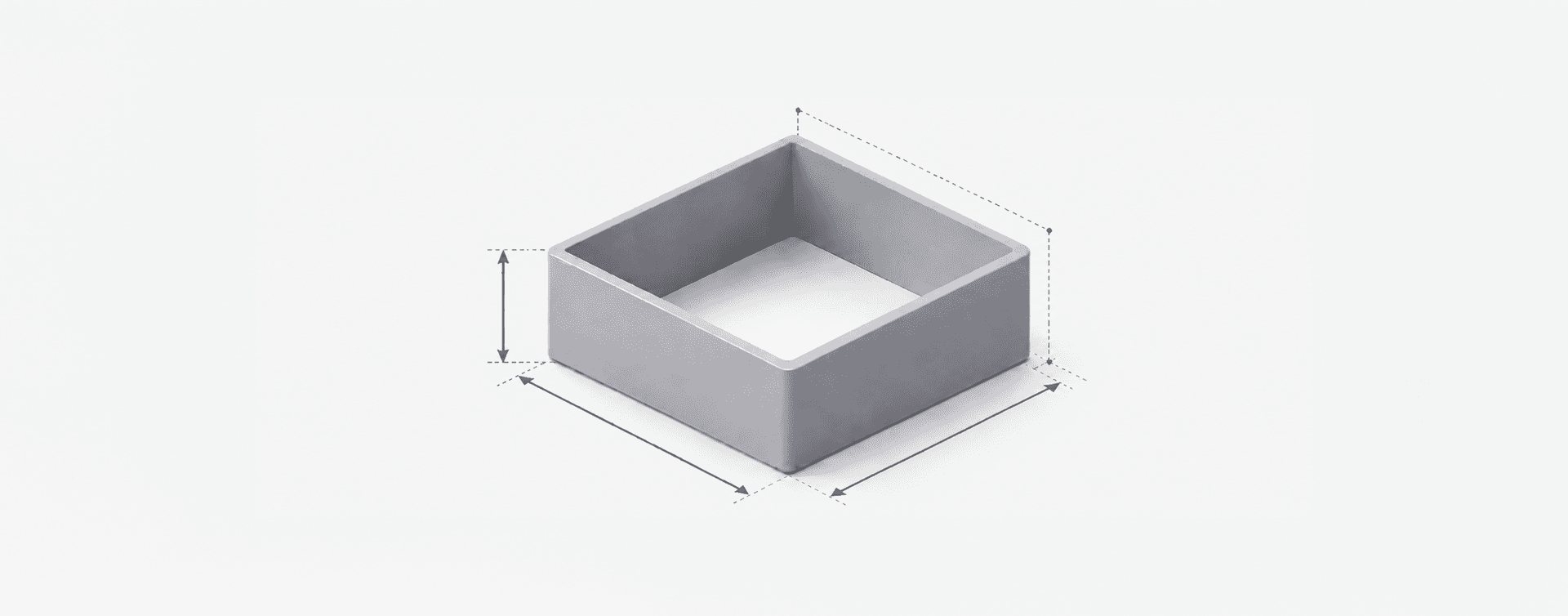
To measure an element's width or height in JavaScript, use clientWidth and clientHeight for the usable space inside the element, offsetWidth and offsetHeight when borders and scrollbars matter, and scrollWidth and scrollHeight when you need to measure overflowing content. getBoundingClientRect() also gives you the element's position, whilst innerWidth, innerHeight, outerWidth, and outerHeight measure the browser window rather than the element itself.
There is no single JavaScript value that means "the size of this element". The content box, padding, border, scrollable area, transformed rectangle, and browser window are different measurements. The right property depends on which boundary the layout code actually needs.
JavaScript offers a number of different ways to measure the width and height of an element, but understanding the nuances of each approach is important.
Here, I'll explain the main ways to measure the width and height of HTML elements in JavaScript, along with the differences between properties like innerWidth and outerWidth.
Getting the Width and Height of an Element
To get the dimensions of an element in JavaScript, you would typically use properties like clientWidth, offsetWidth, or methods like getBoundingClientRect().
clientWidth and clientHeight
These properties return the width and height of the element, including any padding but excluding any borders, scrollbars, or margins. This is likely to be the dimensions you are most likely to need: this is the 'usable' area of an element.
Each example below is a separate snippet. Select the element after its markup exists, and check the result before reading its dimensions:
const element = document.getElementById('element');
if (element) {
  const width = element.clientWidth;
  const height = element.clientHeight;
}
offsetWidth and offsetHeight
offsetWidth and offsetHeight are very similar to clientWidth and clientHeight with a key difference: they return the element's size, including any padding, borders, or scrollbars (but excluding margins). Think of this as the total area that an element occupies within the document.
Much like above, use looks like this:
const element = document.getElementById('element');
if (element) {
  const width = element.offsetWidth;
  const height = element.offsetHeight;
}
scrollWidth and scrollHeight
scrollWidth and scrollHeight measure the size of an element's content, including the parts that aren't currently visible because they overflow the element.
This makes them particularly useful when you need to know whether the content is larger than the space available to display it. For example, horizontal overflow can be detected by comparing scrollWidth with clientWidth:
const element = document.getElementById('element');
if (element) {
  const hasHorizontalOverflow =
    element.scrollWidth > element.clientWidth;
}
If scrollWidth is greater than clientWidth, the content extends beyond the element's available inner width. The same principle applies vertically by comparing scrollHeight with clientHeight.
There's an important distinction here from offsetWidth: scrollWidth measures the space required by the content, whilst offsetWidth describes the layout box, including its borders. CSS transforms don't change that layout measurement.
getBoundingClientRect()
This method does rather more than just return the width and height of an element, it returns a DOMRect object with the properties left, top, right, bottom, width, and height.
The rectangle is relative to the viewport and reflects CSS transforms, so its width and height can differ from offsetWidth and offsetHeight. You can use destructuring to pick out the values you need:
const element = document.getElementById('element');
if (element) {
  const rect = element.getBoundingClientRect();
  const { width, height } = rect;
}innerWidth/Height vs. outerWidth/Height
A point of frequent confusion (and not helped by jQuery's insistence on using the same naming convention for something different), innerWidth, innerHeight, outerWidth, and outerHeight are all measurements from the window.
window.innerWidth and window.innerHeight
These two properties return the width and height of the window's current content area, which includes the scrollbars. This is useful when it comes to understanding the visible area of a web page:
const { innerWidth, innerHeight } = window;window.outerWidth and window.outerHeight
When compared to their 'inner' cousins, outerWidth and outerHeight measure the width and height of the entire browser window which includes any sidebar, window chrome, and window‑resizing borders/handles. This is more akin to measuring the dimensions of the entire browser window, rather than just the viewport that your application sits within.
These are children of the window object and can be destructured in just the same way:
const { outerWidth, outerHeight } = window;Wrapping Up
In practice, use clientWidth and clientHeight when you need the usable inner size of an element, offsetWidth and offsetHeight when borders and scrollbars matter, and getBoundingClientRect() when you also need position.
If you are working with innerWidth, innerHeight, outerWidth, or outerHeight, remember that you are no longer measuring an element at all, but the browser window itself.