Keeping Generated Files Intact When a Node Build Fails
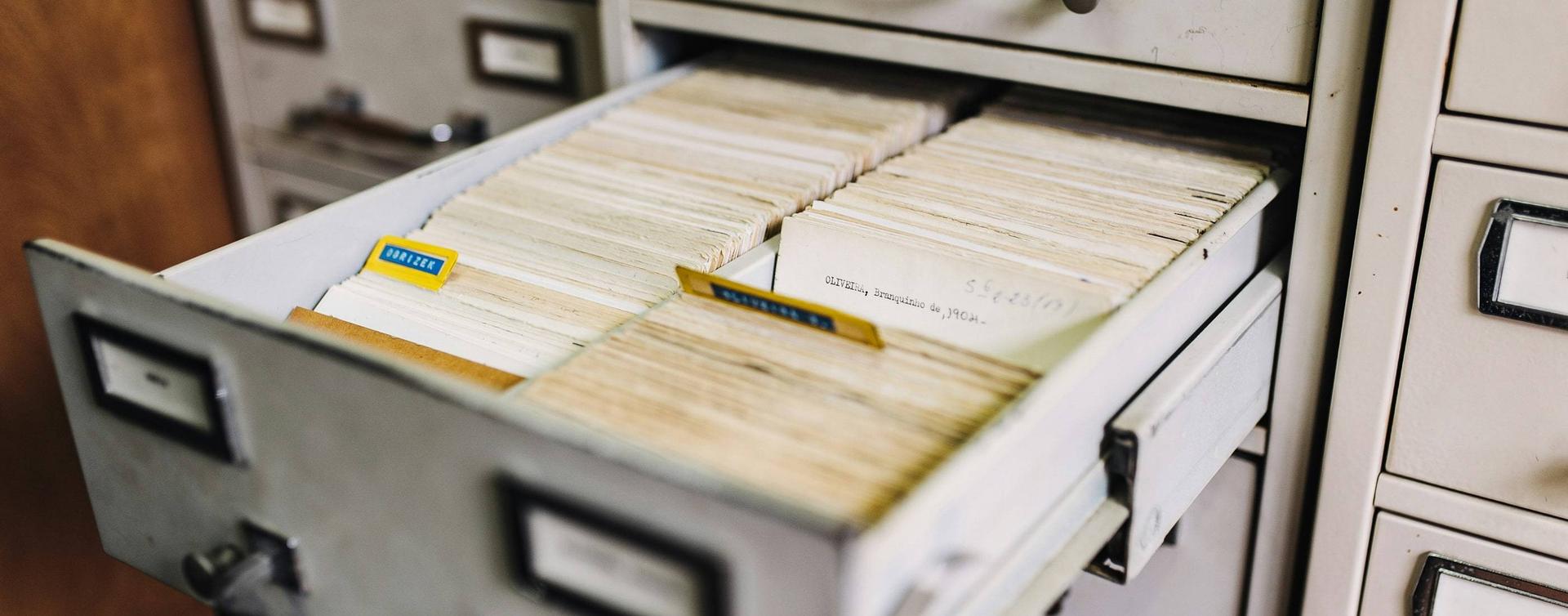
A failed build shouldn't leave you with half a JSON file and a perfectly good explanation of how it happened.
Writing directly over the previous generated file makes that surprisingly easy. The destination can be truncated before the replacement is complete. If the process exits, the disk fills, or generation throws halfway through, the next reader inherits whatever was left behind.
For a small generated manifest, I prefer to build the replacement elsewhere, check it, and only then change which file readers open. That gives a failed attempt somewhere to fail without first destroying the useful result.
This matters whether the output is a route list, a search index, or the build‑time CMS data discussed in my static generation article. The consumer needs a complete, valid artefact. It doesn't need to watch the generator assemble it.
Keep the Destination Out of the Writing Process
For one file, the sequence is fairly small:
routes.json                    previous complete result
.staged-unique/candidate.json   replacement being written

validate candidate
rename candidate -> routes.json

routes.json                    new complete result
The temporary directory belongs beside the destination, on the same filesystem. A general temporary directory might be on another volume, which defeats the rename operation this approach relies on.
On a supporting local POSIX filesystem, replacing a file through rename changes the directory entry atomically. Readers opening that path see the previous file or the replacement. They don't see a half‑copied destination. A reader which already has the old file open can continue reading it; replacing the name doesn't rewrite its open file descriptor.
That is a specific filesystem guarantee, not a property of every storage service which happens to expose something called a file. Apple's rename documentation describes the operation and its errors. Check the filesystem and platform on which your build actually runs.
Write, Read Back, and Validate Before Renaming
Here's my small Node.js helper. The destination's parent directory must already exist and be controlled by the build process. The example uses the filesystem promises available in Node 14, without an additional package:
const { promises: fs } = require('fs');
const path = require('path');

const publishJson = async (destination, value, validate) => {
  validate(value);
  const contents = JSON.stringify(value) + '\n';
  const directory = await fs.mkdtemp(
    path.join(path.dirname(destination), '.staged-')
  );
  const temporary = path.join(directory, 'candidate.json');

  try {
    await fs.writeFile(temporary, contents, { encoding: 'utf8', flag: 'wx' });
    validate(JSON.parse(await fs.readFile(temporary, 'utf8')));
    await fs.rename(temporary, destination);
  } finally {
    try {
      await fs.unlink(temporary);
    } catch (error) {
      if (error.code !== 'ENOENT') throw error;
    }
    await fs.rmdir(directory);
  }
};
mkdtemp gives each attempt its own staging directory. The exclusive wx write refuses an existing candidate file. Once the rename succeeds, the temporary path no longer exists, which is why cleanup allows ENOENT.
The first validation rejects unsuitable input before touching the filesystem. The second checks the serialised result which will actually be published. Parsing JSON only establishes that the syntax is valid; the callback still needs to check the shape and any relationships the consumer expects.
For a route manifest, that might mean an array of absolute path strings with no duplicates:
const validateRoutes = (routes) => {
  if (
    !Array.isArray(routes) ||
    routes.some((route) => typeof route !== 'string' || !route.startsWith('/')) ||
    new Set(routes).size !== routes.length
  ) {
    throw new Error('Expected unique route paths');
  }
};

await publishJson('generated/routes.json', ['/', '/articles/'], validateRoutes);
Run that call inside your existing async build function. It isn't a complete route policy: query strings, fragments, trailing slashes, and the allowed route set need your application's rules. My URL‑list generation article covers a different producer, but the same distinction applies: producing valid text doesn't prove that its URLs are the right ones.
A Failed Process Doesn't Tell You Which File Won
Kill the writer before the rename and the old destination remains usable. The abandoned staging directory can remain too, because finally cannot run after SIGKILL.
Kill it after the rename and the new complete destination is already visible. Even an ordinary cleanup error can reject the helper after publication succeeded. This compact helper can also report a cleanup error in place of an earlier write error, so retain both errors in a larger build's diagnostics if that distinction matters.
Don't treat a non‑zero process exit as proof that no change occurred. Inspect and validate the destination before deciding what to retry. Equally, don't turn a rename failure into a copy‑and‑delete fallback: copying over the destination reintroduces the partial‑file problem.
Old staging directories need a cleanup policy. Delete only attempts known to have finished, under a directory you own. Age alone isn't proof that a slow writer has stopped. In my tests, I reap the deliberately killed child process before removing its abandoned directory.
Two Files Need One Publication Decision
Renaming a route list and its count separately still allows a reader to combine the new list with the old count. Two individually atomic operations aren't an atomic pair.
Put the complete set in a unique version directory instead. Validate the relationships between its files, then replace a small pointer file:
current.json -> { "directory": "release-a" }

releases/release-a/routes.json
releases/release-a/count.json

releases/release-b/routes.json   write and validate both
releases/release-b/count.json

replace current.json -> { "directory": "release-b" }
The reader reads current.json once and uses that captured directory for every file in the operation. If it rereads the pointer between files, it can still mix releases. The pointer is part of a reading protocol, not a magic property of the directory layout.
Published version directories must remain unchanged. Keep an older version until readers can no longer need it; deleting it immediately after the pointer switches breaks a reader which already captured the old name. For a build with bounded readers, that might mean keeping versions for the whole build and cleaning them afterwards.
Check the Failures You Intend to Survive
My focused checks reject invalid routes and truncated staged JSON, interrupt a staged write, and kill a child process on either side of the rename. Concurrent readers repeatedly parse the destination during replacement. For the two‑file case, a deliberately broken reader rereads the pointer and demonstrates the mixed‑version result.
There is another useful negative control: let an older writer finish after a newer one. Both files can be perfectly complete, yet the older result wins. Atomic replacement doesn't order competing builds. Use one publisher, or an explicit coordination mechanism which decides whether a generation is still eligible to publish.
These checks concern process failure and what readers can observe. Power‑loss durability is a separate requirement involving file and directory synchronisation and the storage system's guarantees. Windows and network filesystems also need their own verification; a successful local macOS run doesn't establish their behaviour.
For a generated manifest which can be rebuilt, keeping the previous complete result is often enough. Decide that deliberately, and keep the point at which the new result becomes visible small enough to explain and test.
Postscript
November 2026: I've rerun the interruption and competing‑writer checks with Node 22. Modern Node also supports writeFile's flush option, added in Node 20.10 and 21. It can flush a completed write to the file, but it doesn't make two file replacements atomic or establish that a later directory rename will survive power loss. I'd still keep those requirements separate when choosing how much protection a generated file needs.