Resolving mini-css-extract-plugin Warnings in Gatsby

When developing applications, especially with frameworks like Gatsby JS, it wouldn't be unusual to encounter various warnings in your terminal during the build process. These are messages from tools such as webpack, giving you a heads‑up that there might be a potential issue, or suboptimal practices in your code.
Whilst some warnings could indicate serious problems that need to be addressed urgently, others are less critical and do not impact the functionality of your application at all.
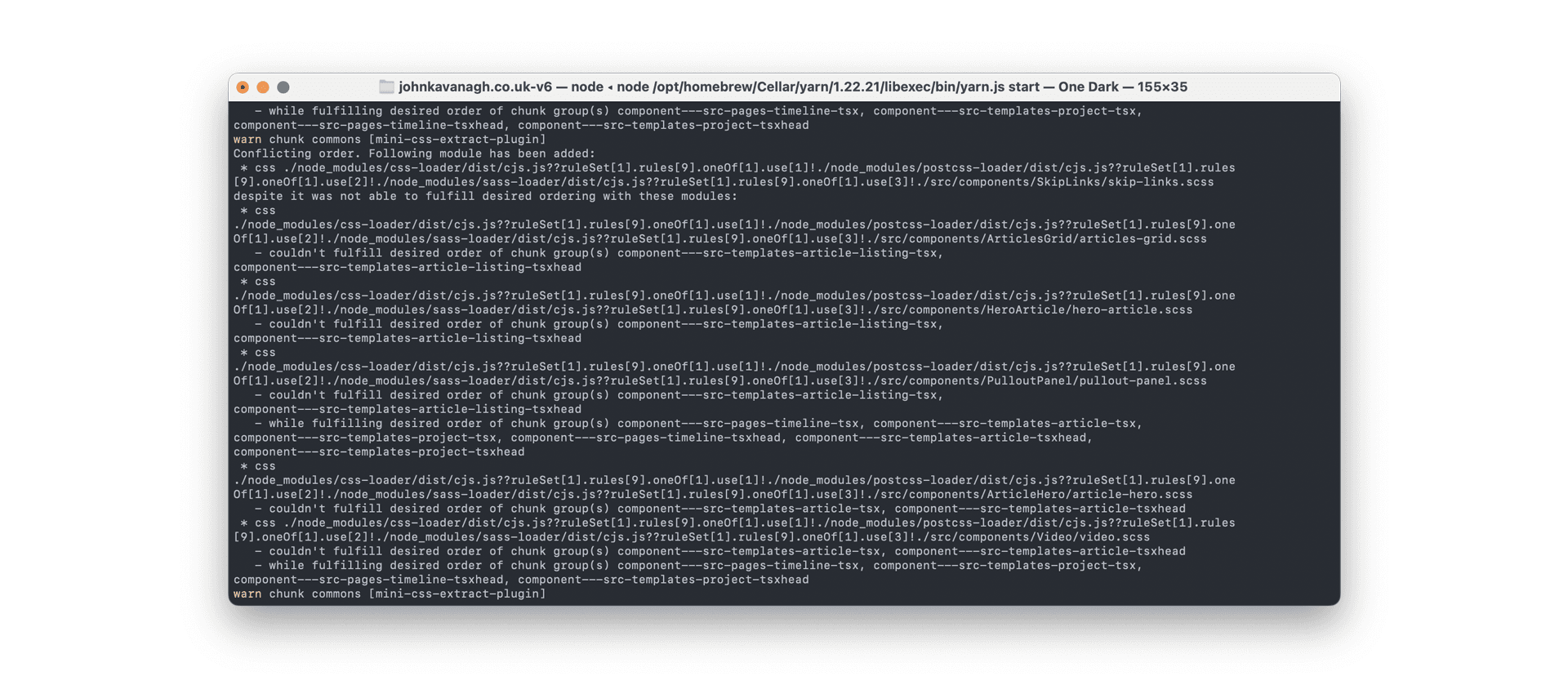
In the case of developing with Gatsby, I've often come across this type of warning, originating from the mini-css-extract-plugin:
warn chunk commons [mini-css-extract-plugin]
Conflicting order. Following module has been added:
 * css ./node_modules/css-loader/dist/cjs.js??ruleSet[1].rules[9].oneOf[1].use[1]!./node_modules/postcss-loader/dist/cjs.js??ruleSet[1].rules
[9].oneOf[1].use[2]!./node_modules/sass-loader/dist/cjs.js??ruleSet[1].rules[9].oneOf[1].use[3]!./src/components/SkipLinks/skip-links.scss
despite it was not able to fulfill desired ordering with these modules
What Causes These Warnings?
These warnings arise because mini-css-extract-plugin cannot satisfy the relative order requested for extracted styles across chunks. CSS Modules reduce selector collisions, but they do not make order irrelevant: global selectors, :global rules, composition, shared variables, and side effects can still depend on the cascade.
The warning means mini-css-extract-plugin found an ordering conflict; it does not prove that the rendered result is wrong or harmless. Trace the named modules, inspect their selectors and imports, and compare representative pages at relevant breakpoints before deciding whether the cascade is genuinely order‑independent.
In my case, the warnings could be many, many screens long, burying more important messages from webpack in masses of irrelevant warnings.
Diagnose Before Suppressing
Start by finding every selector named by the warning and checking the affected routes in both possible import orders. Fix conflicting global rules or make the intended cascade explicit. Suppression is appropriate only after that review shows the extracted styles are order‑independent.
Once that verification is documented, a warning filter can hide the exact messages reviewed for the project. It does not repair a cascade conflict. Avoid matching the whole mini-css-extract-plugin warning family, since a later stylesheet can introduce a different conflict with the same prefix.
After verifying order independence, there are two configuration steps to suppress the known warning:
Install webpack-filter-warnings-plugin
If you've installed a dependency before you'll already know how to do this:
yarn add -D webpack-filter-warnings-pluginOf course if you're using npm, then the command is ever‑so‑slightly different...
Configure it in gatsby-node.js
Add this pattern to the webpack configuration in gatsby-node.js, using the constructor export provided by your installed plugin version. Start with an empty set, then copy each complete warning string into it only after reviewing the named modules and their order. An empty set suppresses nothing:
const PluginExport = require('webpack-filter-warnings-plugin');
const FilterWarningsPlugin = PluginExport.FilterWarningsPlugin || PluginExport;

const reviewedWarnings = new Set([
  // Add exact, complete warning strings after reviewing their CSS order.
]);

exports.onCreateWebpackConfig = ({ actions }) => {
  actions.setWebpackConfig({
    plugins: [
      new FilterWarningsPlugin({
        exclude: warning => reviewedWarnings.has(warning),
      }),
    ],
  });
};
Restart Gatsby and confirm that reviewed messages are hidden whilst new or changed ones remain visible. Repeat the route and breakpoint checks against the built CSS. Record the installed Gatsby, webpack and plugin versions with that evidence; this example is a configuration pattern, not a compatibility guarantee across every release.
Why Not Use stats.warningsFilter?
stats.warningsFilter controls warning display in webpack statistics, but a wrapper tool may report compilation warnings through a different path. The plugin documentation gives examples of that distinction. Test the actual Gatsby output for your installed versions rather than assuming that multiple build stages make the option universally unsupported.
The exact‑message set keeps the exception tied to the warnings you reviewed. If a loader path or message changes after a dependency update, let it reappear and check it again before updating the set.
Check the Warning Before Hiding It
A conflicting‑order warning can be harmless, but it can also be pointing at a real cascade problem. Before suppressing it, check whether the affected CSS depends on import order. If two files define the same selector or rely on side effects, the warning may be telling you something useful.
Suppressing build noise is defensible when the team has verified the output and the warning is not actionable. It is less defensible when it becomes a way to keep CI green without understanding the stylesheet order.
Current Gatsby Context
This remains Gatsby and webpack‑specific advice. If the project is already being modernised, I would treat repeated CSS extraction warnings as part of a wider styling review: CSS Modules, global imports, component boundaries and whether the build pipeline still fits the application.