The World Economic
Forum
Senior JavaScript developer heavily involved in delivering a React‑based rebuild of the World Economic Forum online platforms, including the introduction of new Topics and My Forum user features.
In Detail
The World Economic Forum maintains a suite of online websites, platforms, tools, and other hypermedia, many of which were developed and published in isolation, and most of which were, at the time, more than eight years old.
This mixture of digital properties, technologies, and generations meant that maintenance and enhancement across the board had become progressively more difficult. A project had been established to unify these disparate pieces. The goal was a new, React‑based technological foundation on top of which new features could be developed, and, in time, old features could be redeveloped.
I joined the project as part of a small team of developers continuing the development of this foundation layer, using Chakra UI alongside Styled Components. The use of Chakra allowed us to produce new features quickly and with minimal nitty‑gritty type styling; however, it also proved a hindrance in achieving the really polished finish our designers pushed for. This meant we spent a decent amount of time improving and refining the base theming, and working with the design team to bring some aspects into a more standardised and structured state.
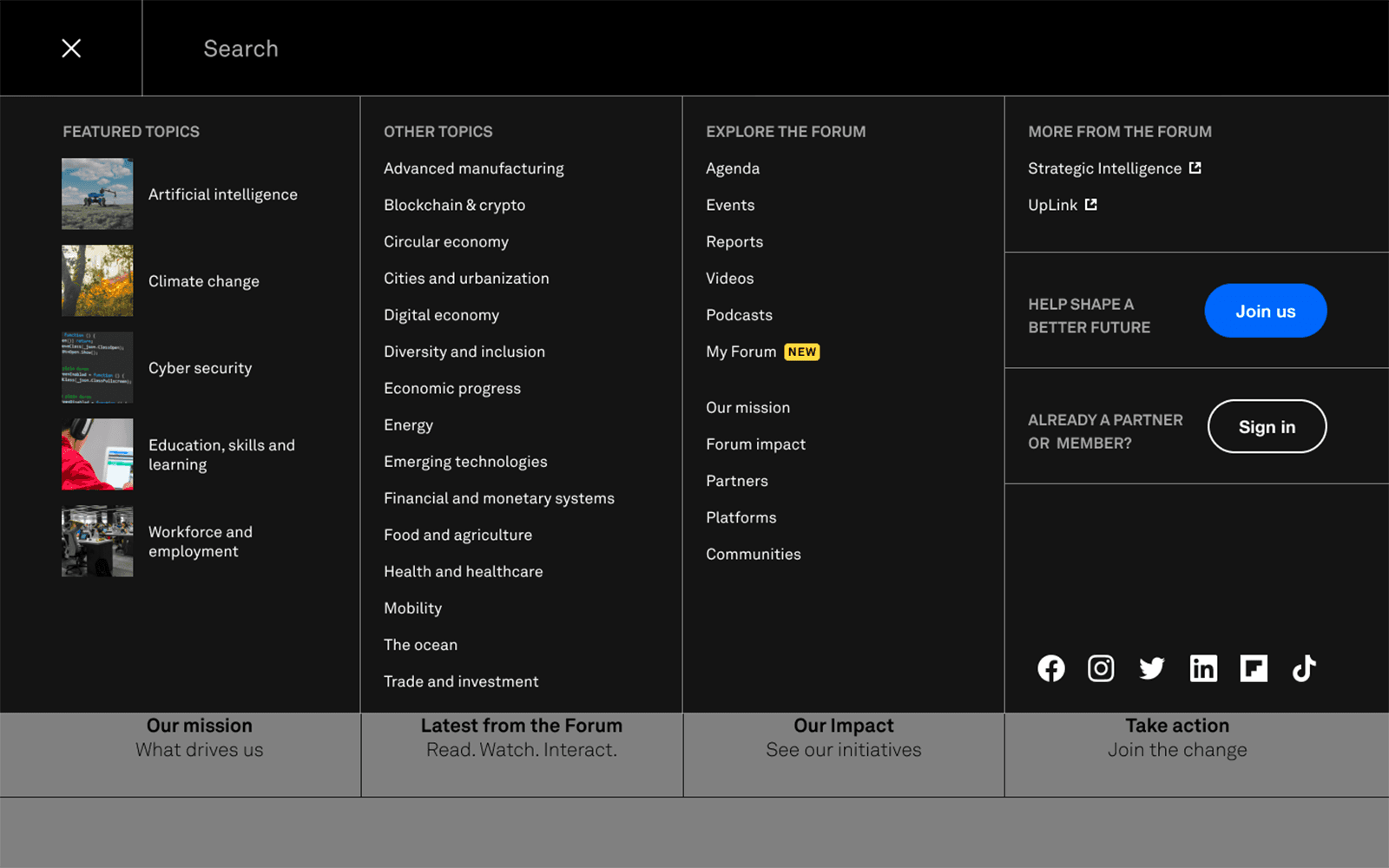
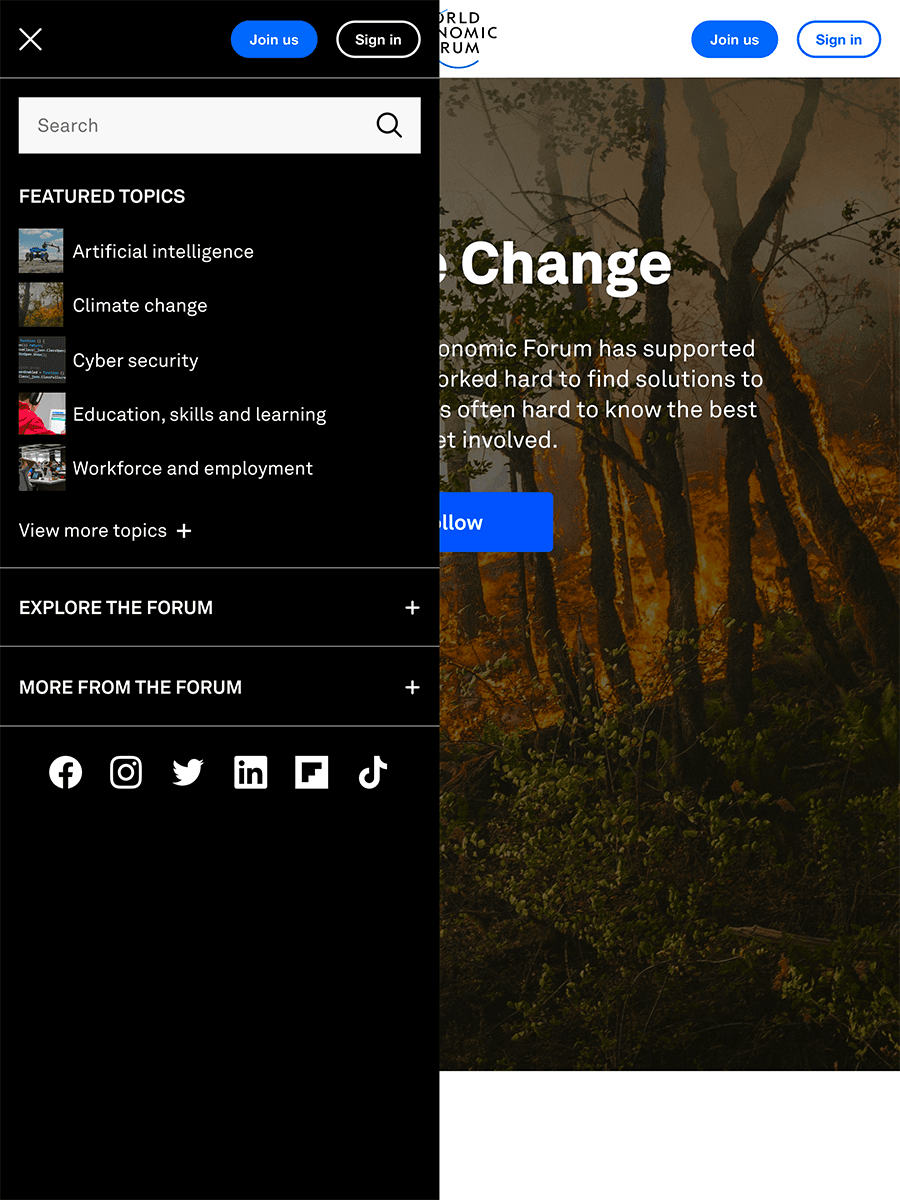
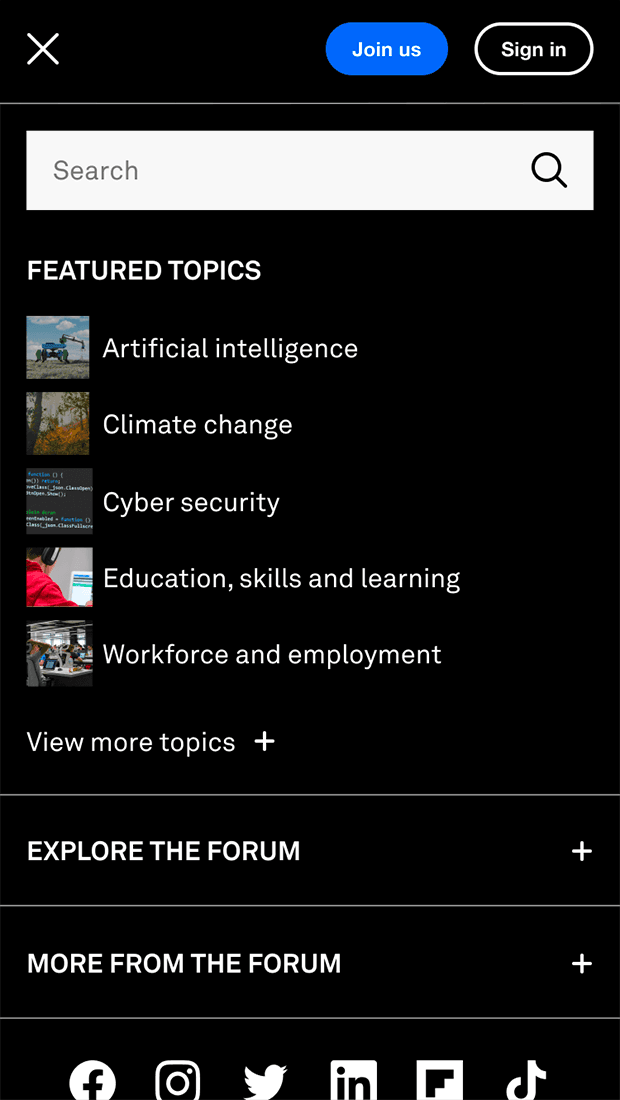
One of the primary focuses during my tenure was finding ways to unify the look and feel of the different sections of the platform. Bringing the overall shared website anatomy together was a logical starting point; we redesigned and developed a new, shared header, footer, navigation, and user menus, intended to be drop‑in replacements for the existing (differing) implementations.
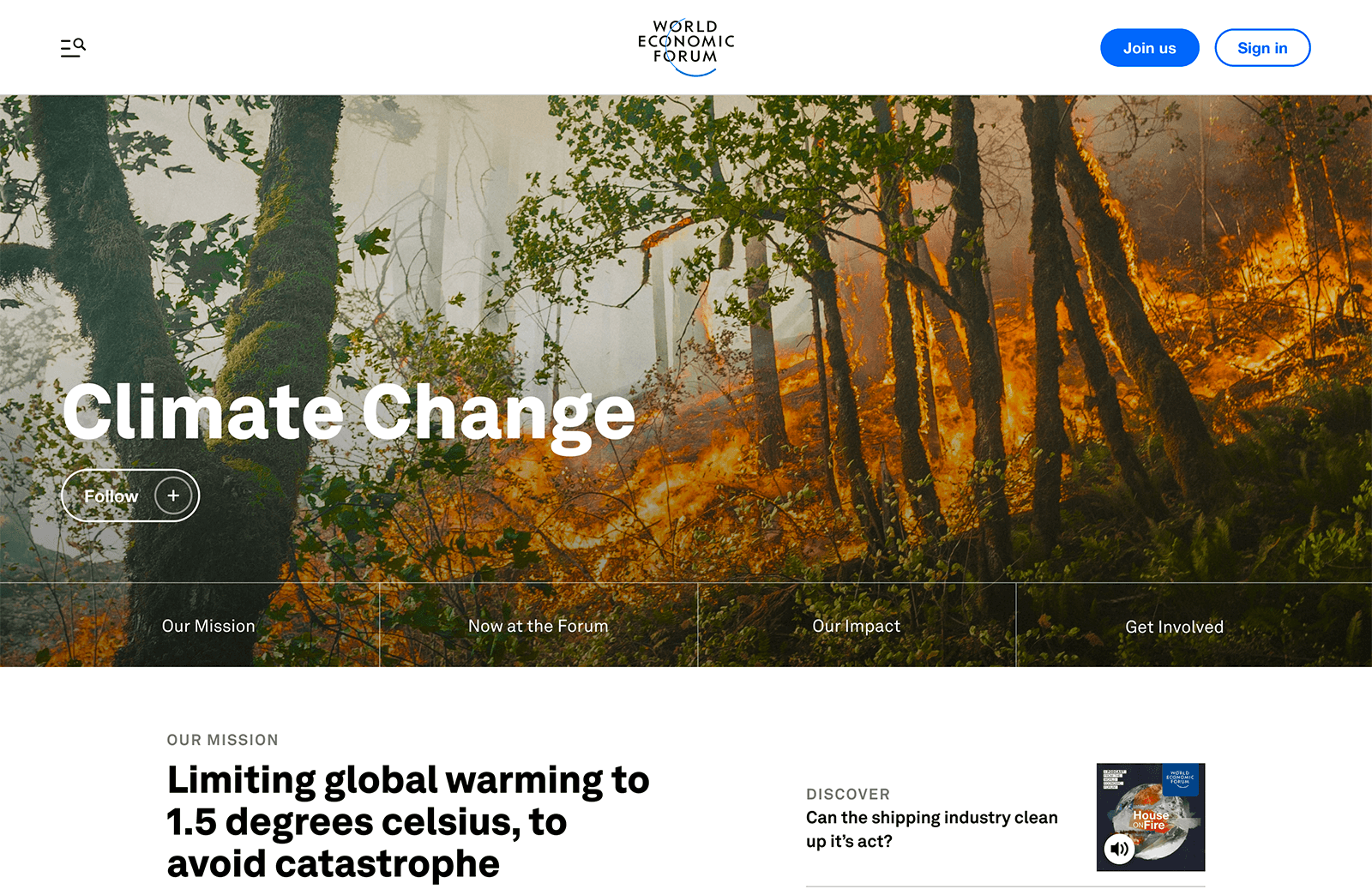
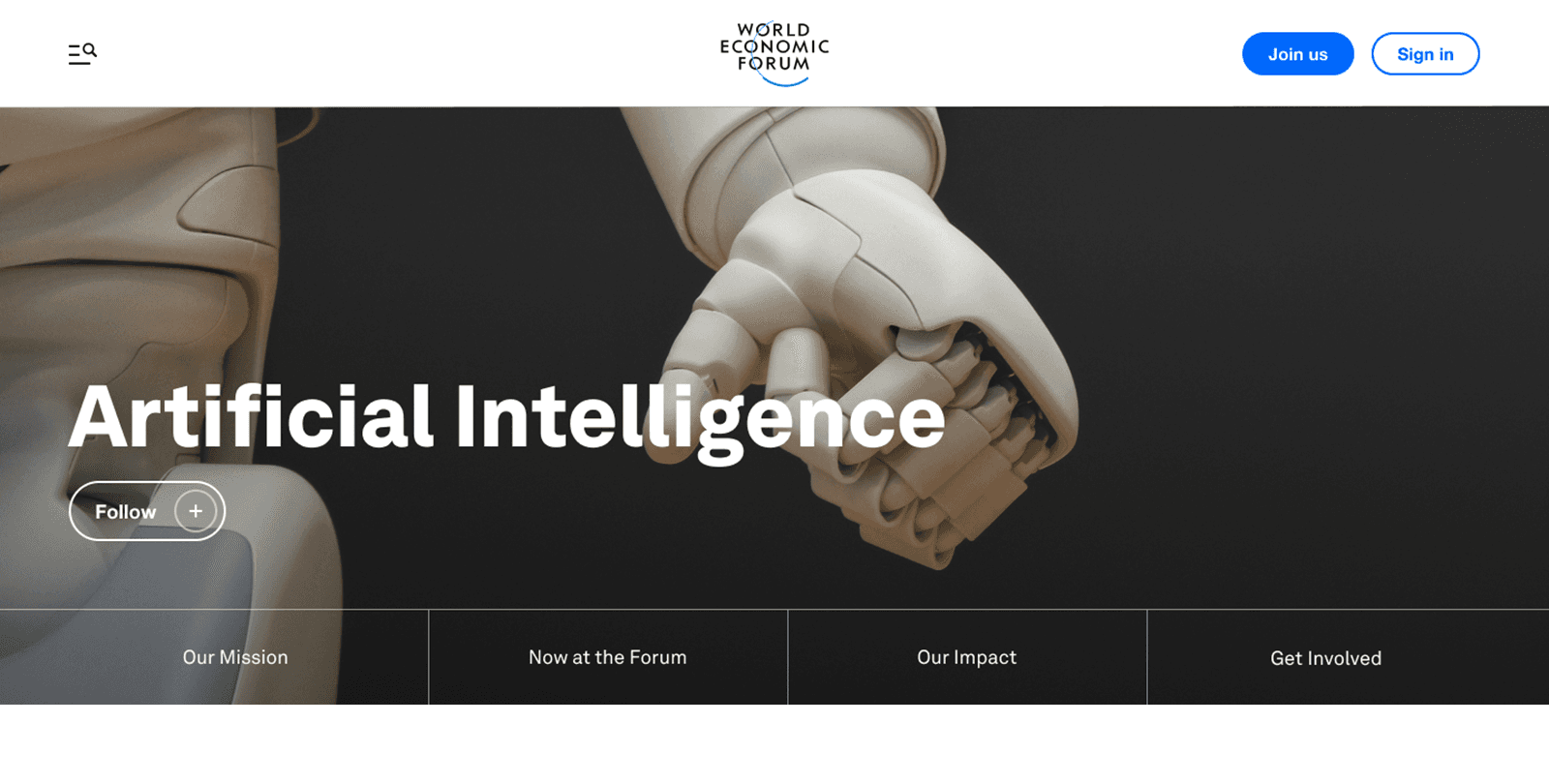
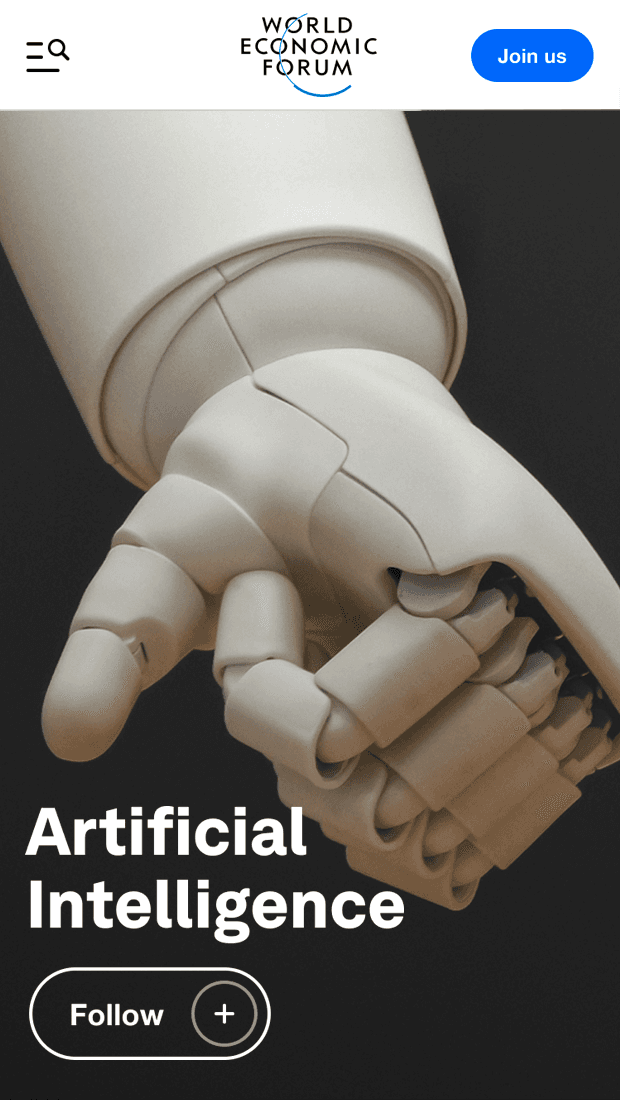
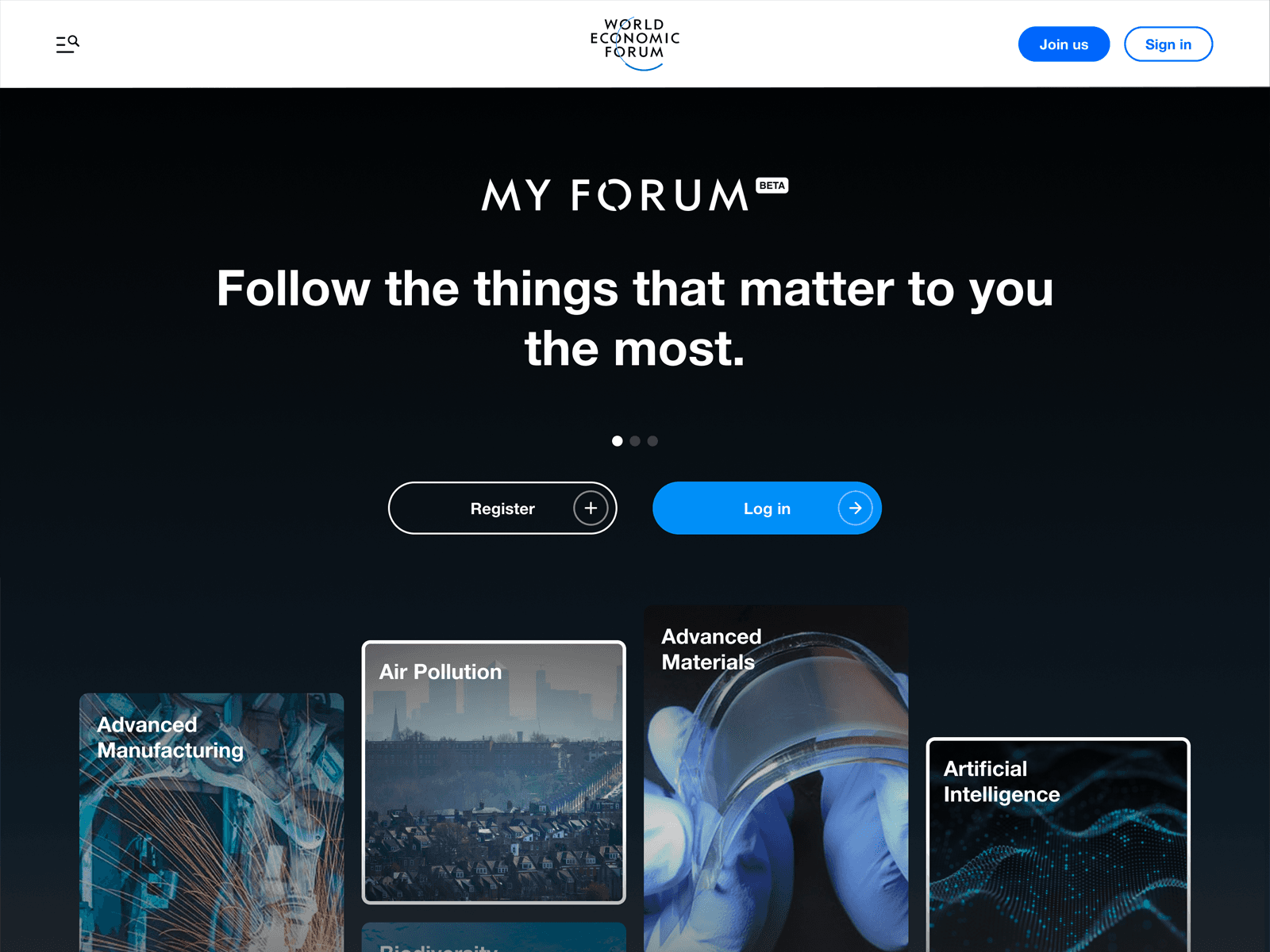
We also developed a new featured section of the platform specifically for Topics of discussion within the Forum. As an example, this is the Artificial Intelligence and Robotics topic page. We also developed and released a new user feature called My Forum, which allows users of the Forum to customise the content they see within their user account by following specific topics of personal interest.
Upon release, we received very positive feedback both from inside the Forum and from users and members. The work we undertook has been seen as a real step‑change in terms of quality and direction.
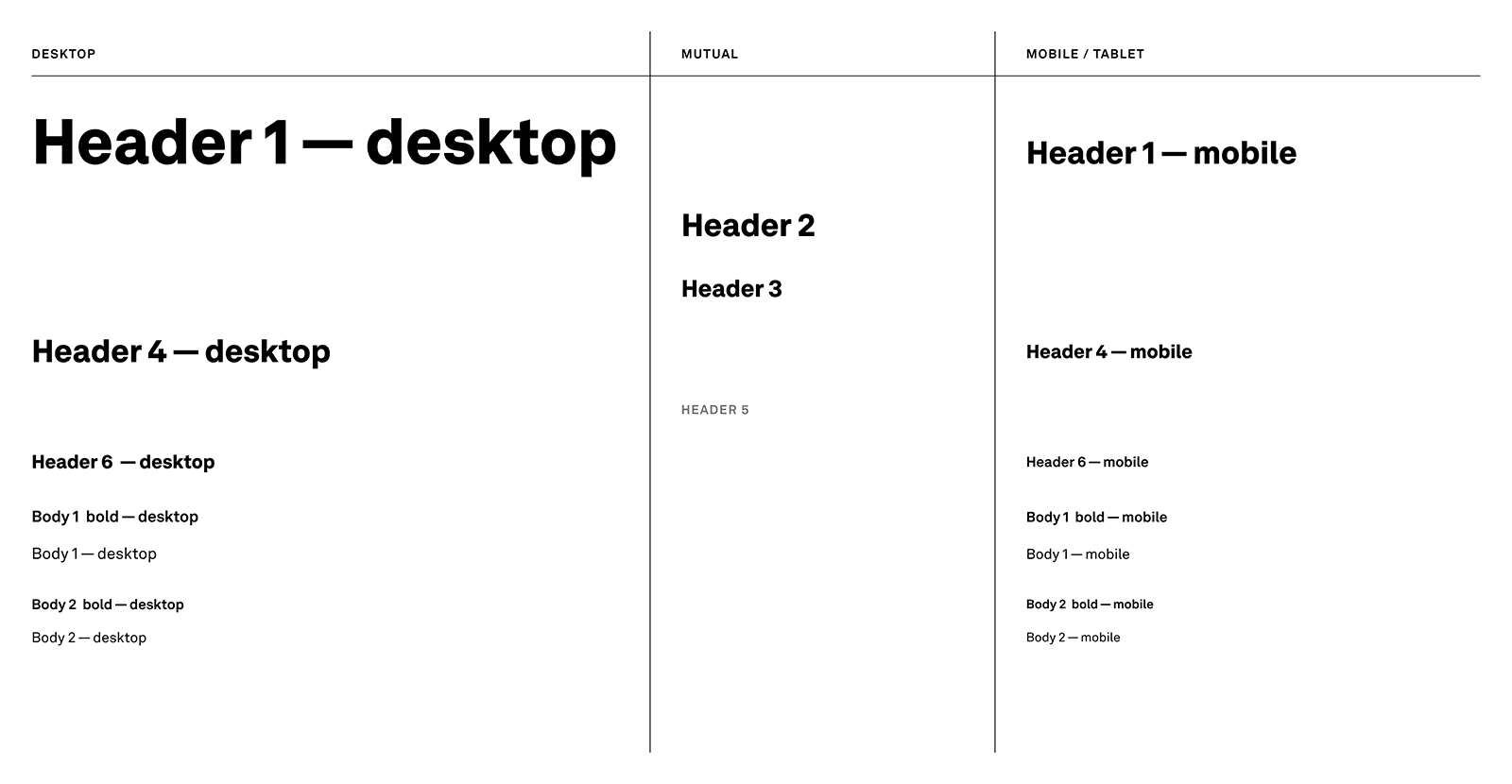
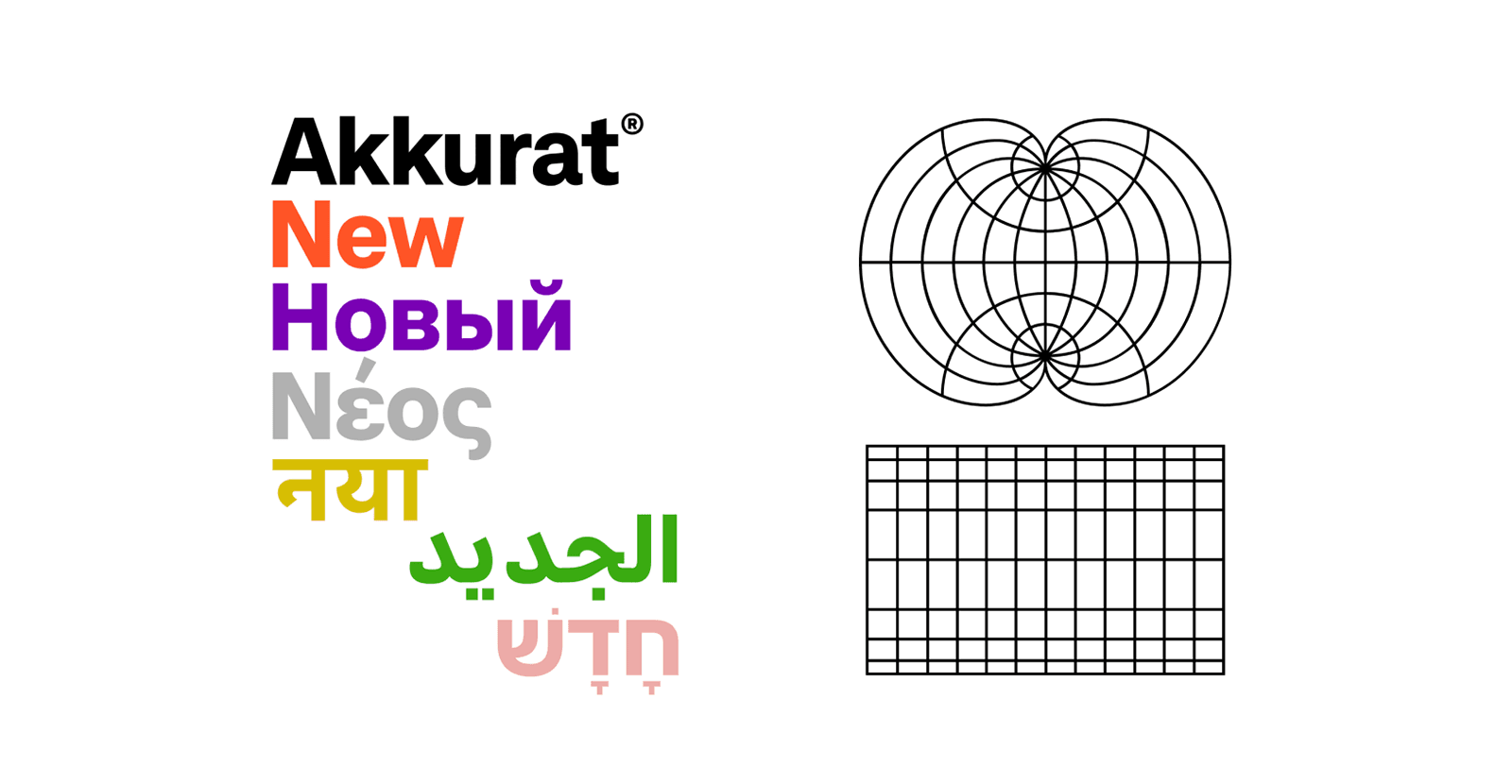
Standardising Font and UI Elements
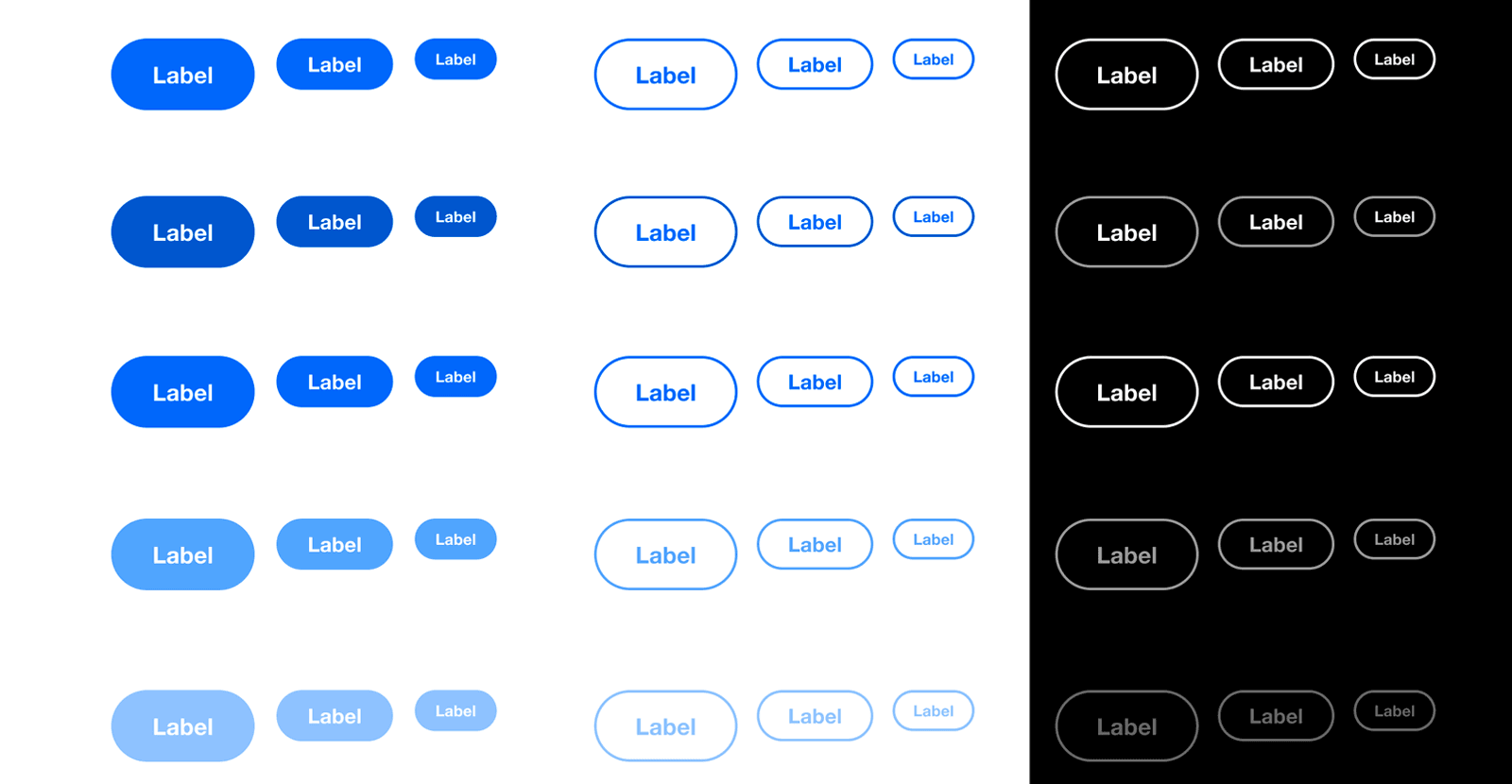
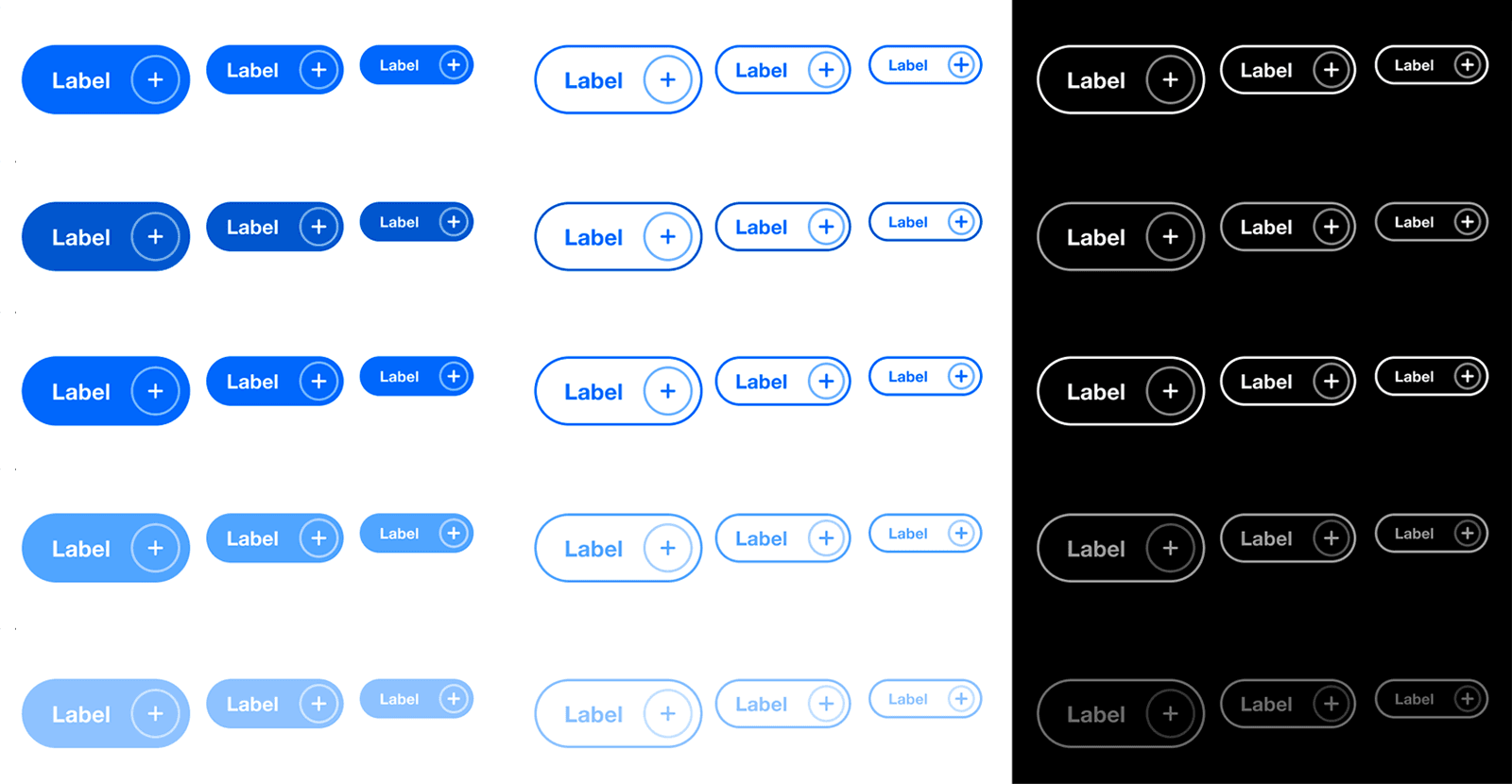
A key part of unifying the various different online properties of The Forum was to standardise the look and feel. This was achieved by rolling out a new web font across the platform and building a new library of reusable components, which are slowly being adopted by each team.
A New Header and Site‑Wide Navigation
In reviewing the existing platform, a key problem that arose was that users struggled to navigate. Each disparate section had its own header, footer, and navigation, which meant that key items of navigation ‑ and in some cases, even the logo ‑ changed as a user traversed the site.
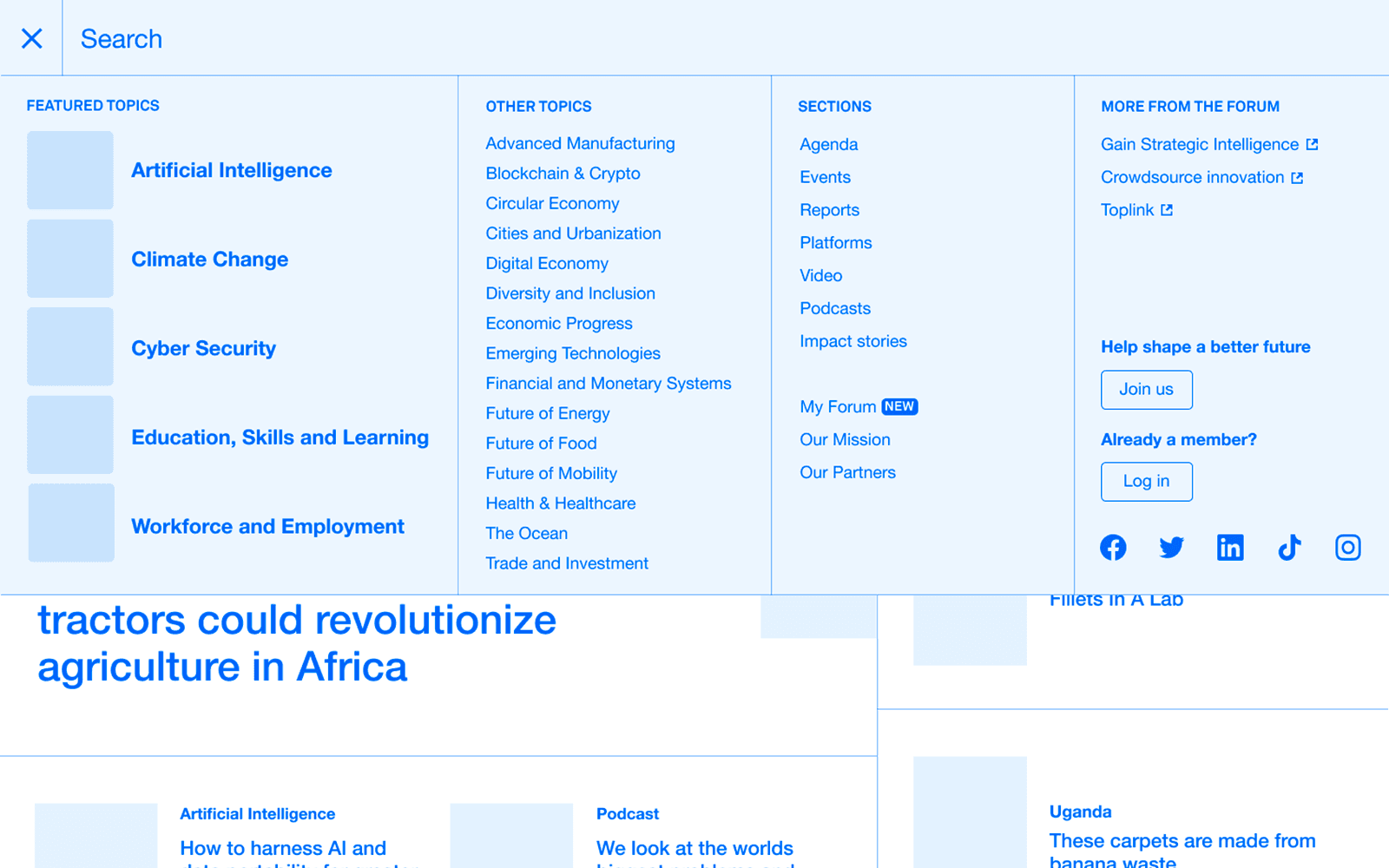
With input from the various stakeholders, our team designed and developed an all‑new header and navigation to be used across the platform. This gave each area of the platform consistent footing within the navigation, making it easier for users to access each area and travel between them. It also provided an opportunity to promote the new Topics pages.
... And a New User Menu Too
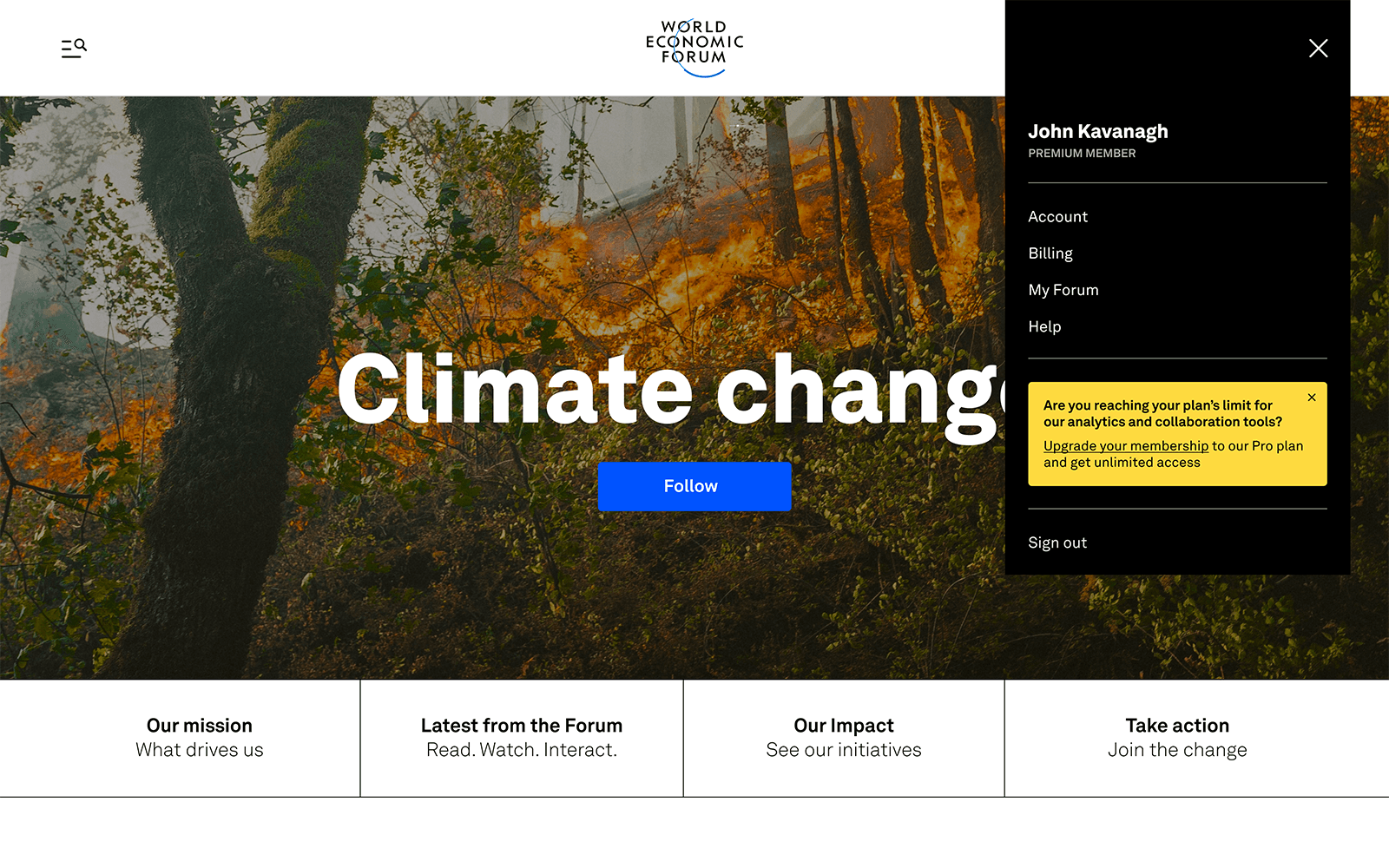
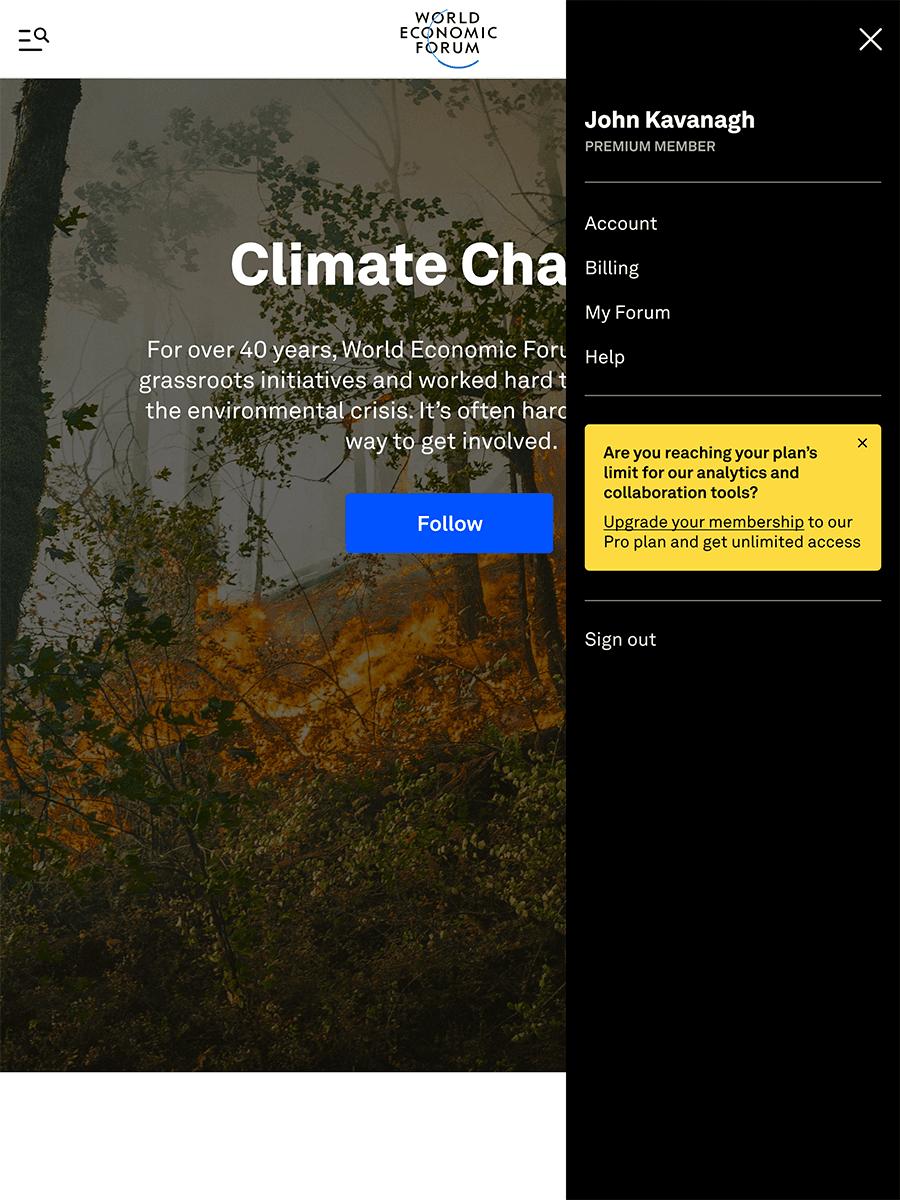
Previously, the User Account had been hidden on a stand‑alone page accessed via an icon, which meant that even basic account functionality, like logging out, was hidden behind an additional step and page load. Rebuilding the site‑wide navigation gave us the opportunity to introduce a new user menu within the header and expose some of the key pieces of user functionality. This also gave us a nice additional space to promote the benefits of upgraded Forum membership.
Topic Pages
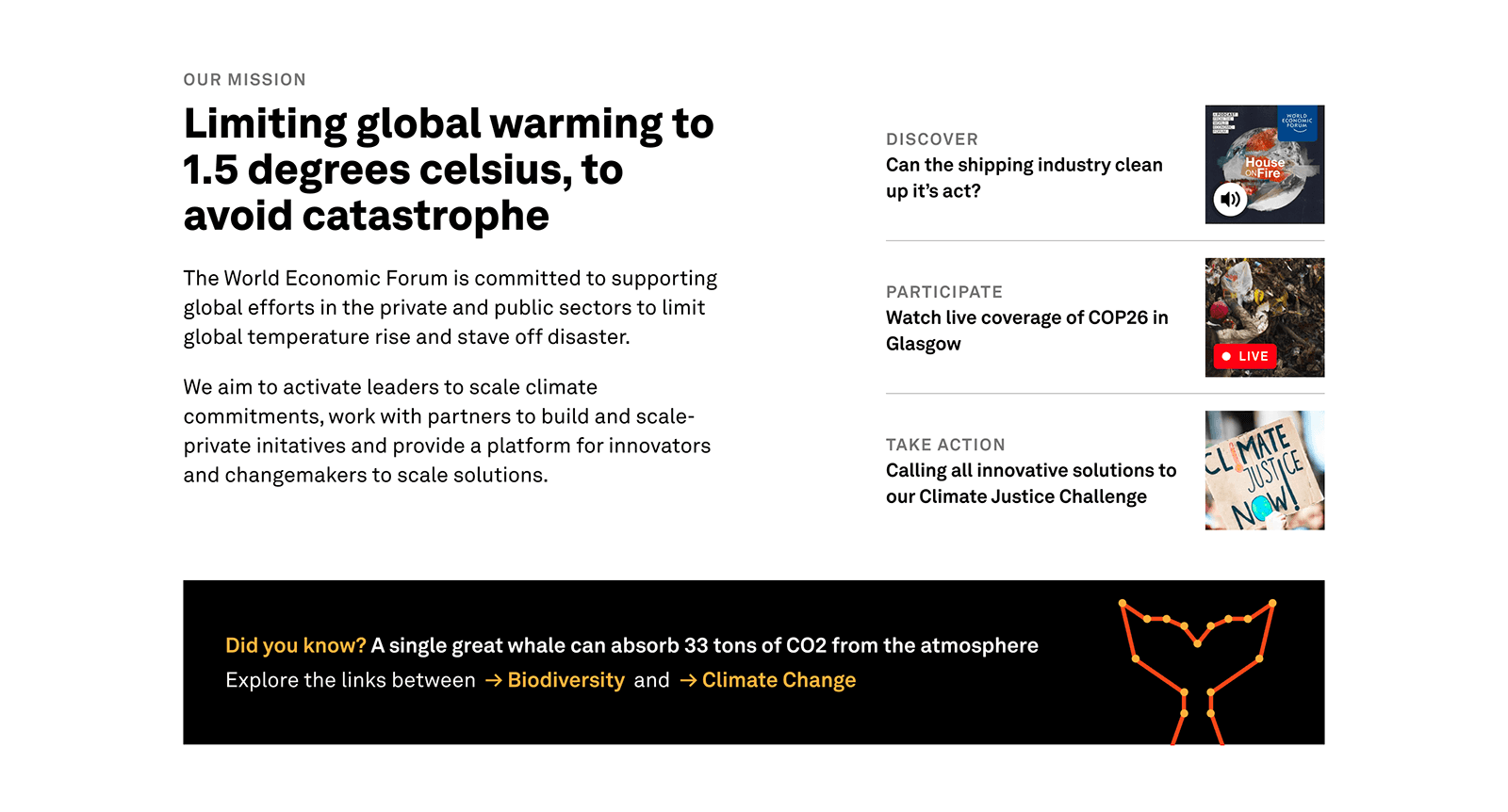
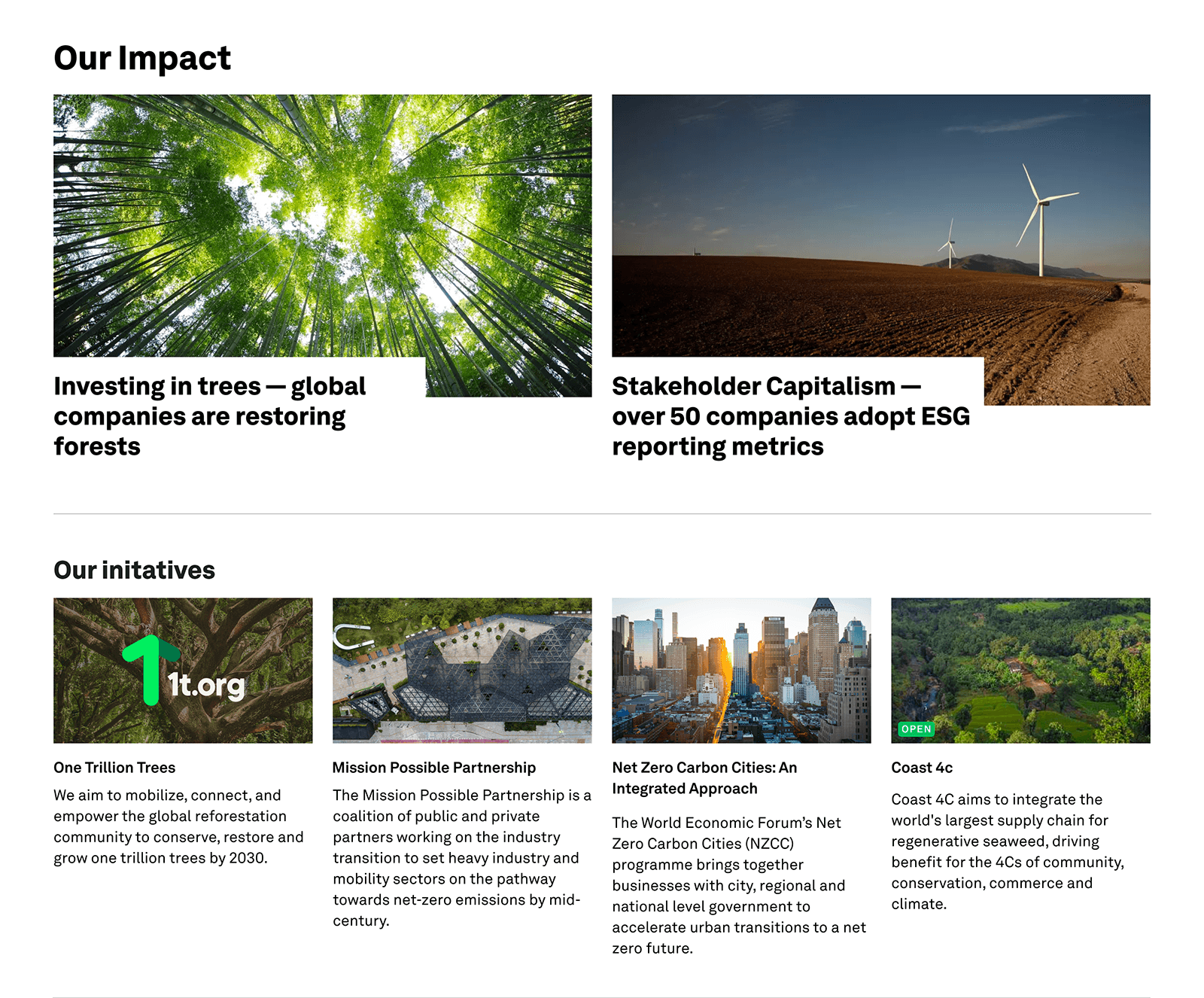
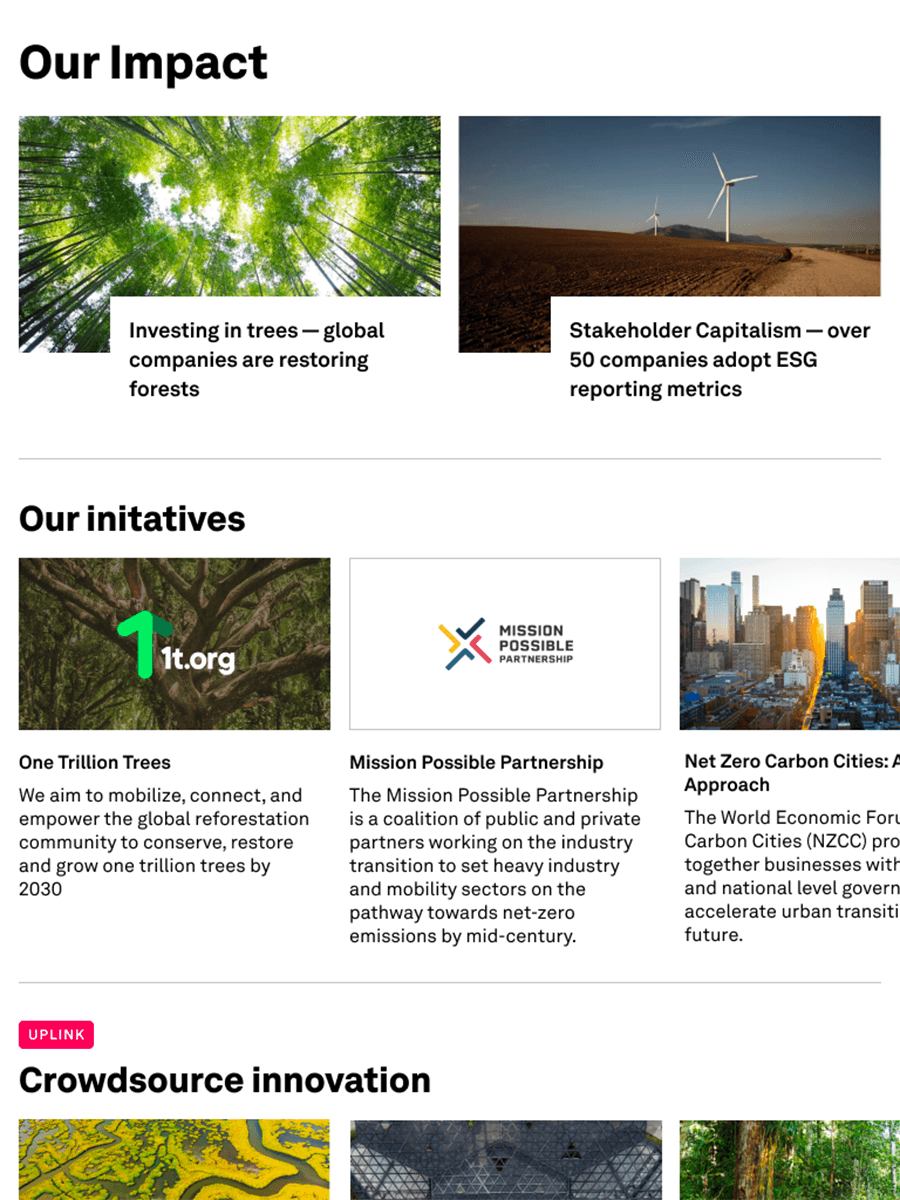
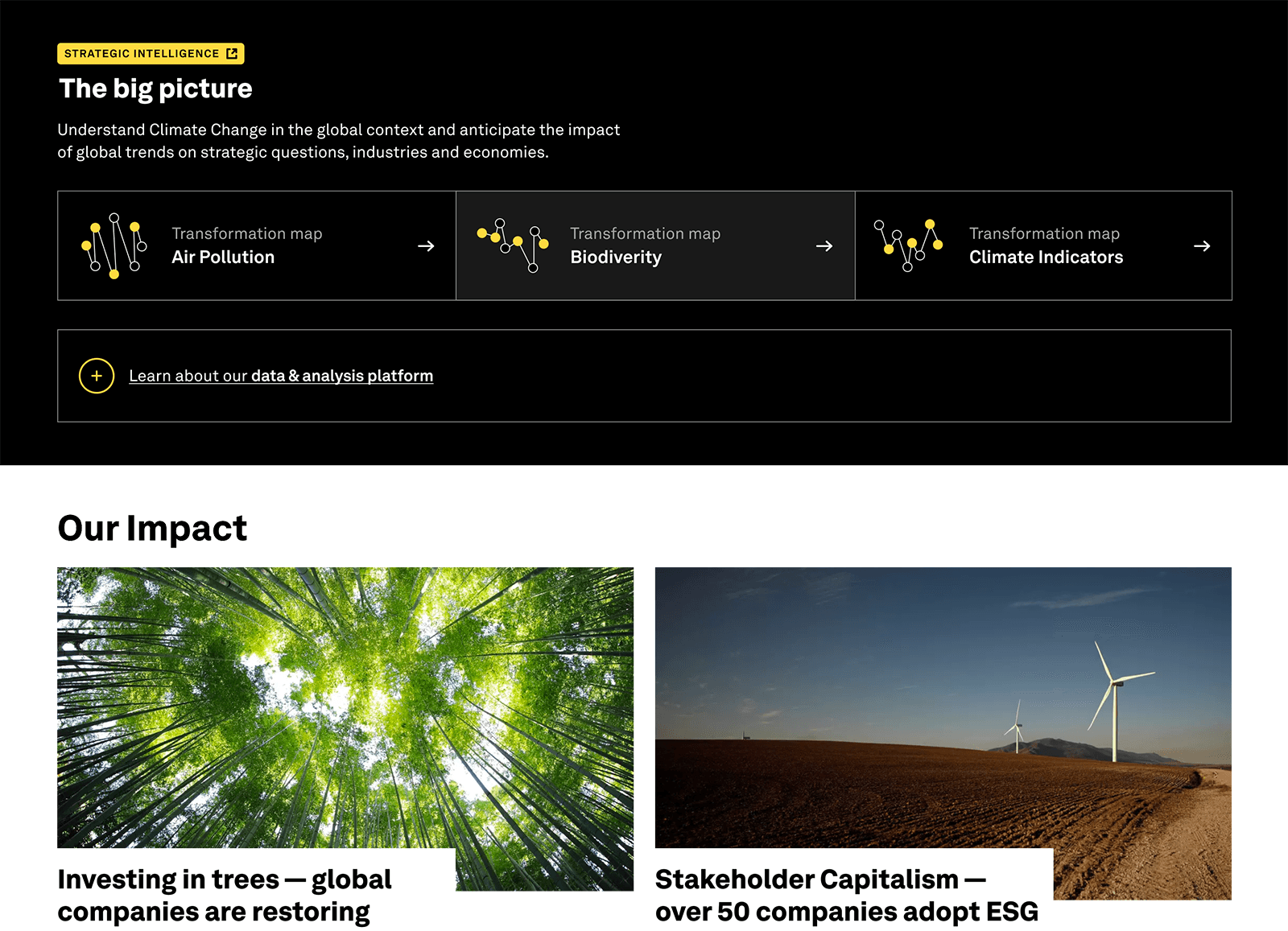
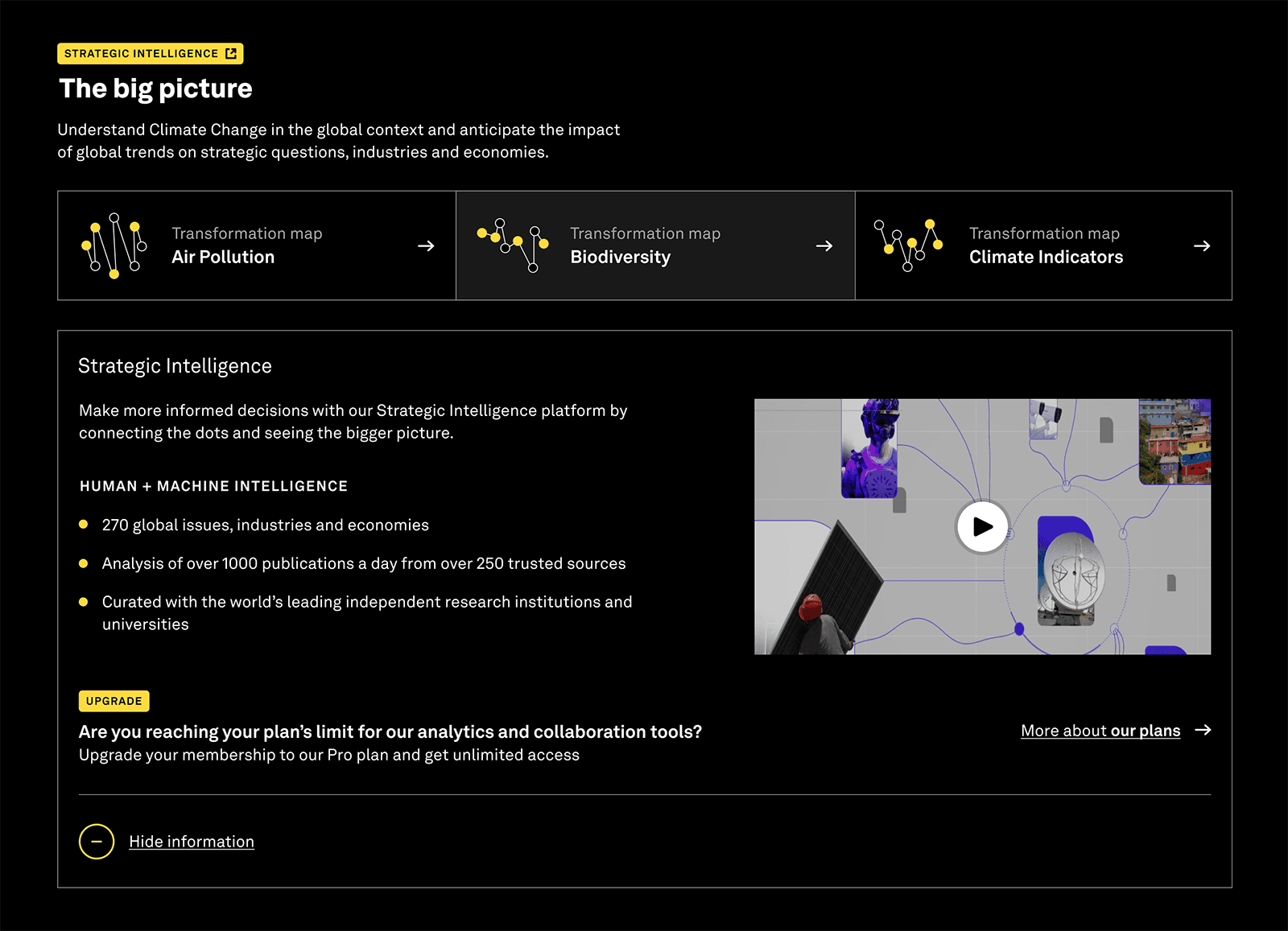
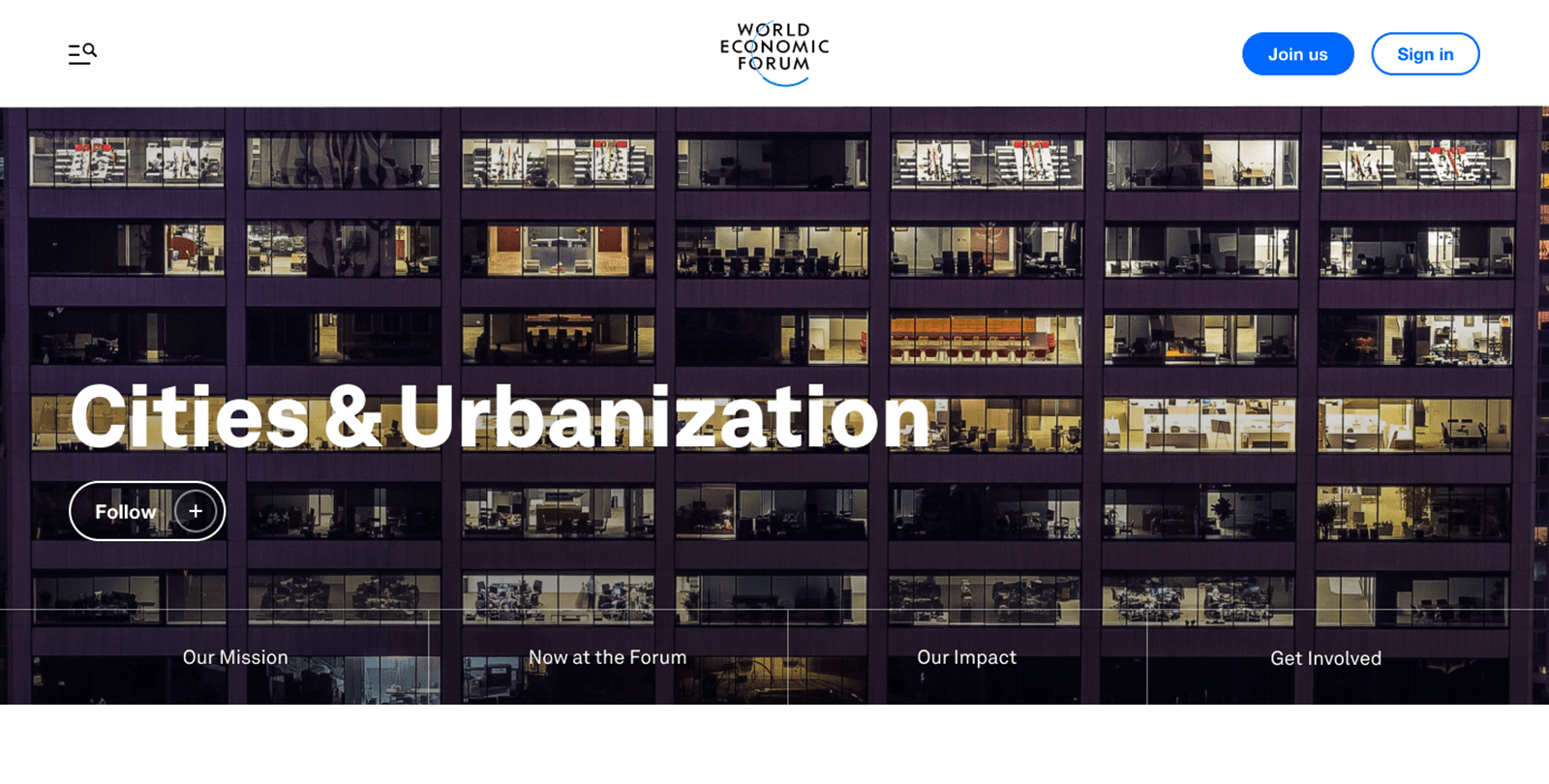
Topic pages themselves are made up of a combination of editorialised content alongside tools and content drawn in from elsewhere on the platform. This meant that each Topic page could vary significantly due to the amount and variety of content available for that particular topic.
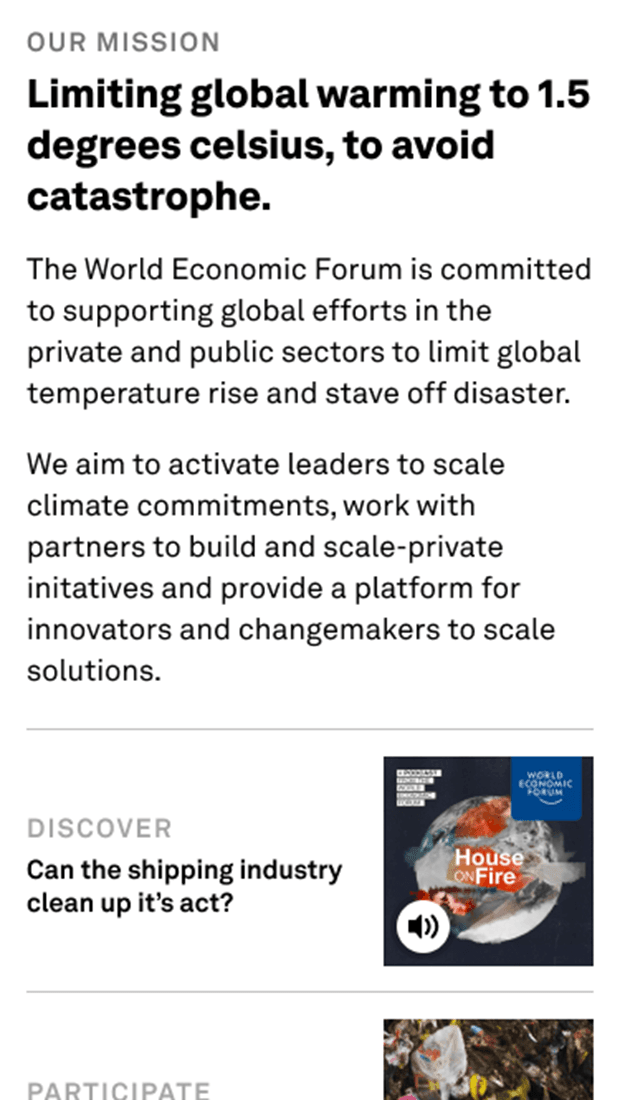
This necessitated careful development of flexible, reusable, and ‑ of course ‑ responsive layout components to allow users quick and easy access to the data most relevant to them.
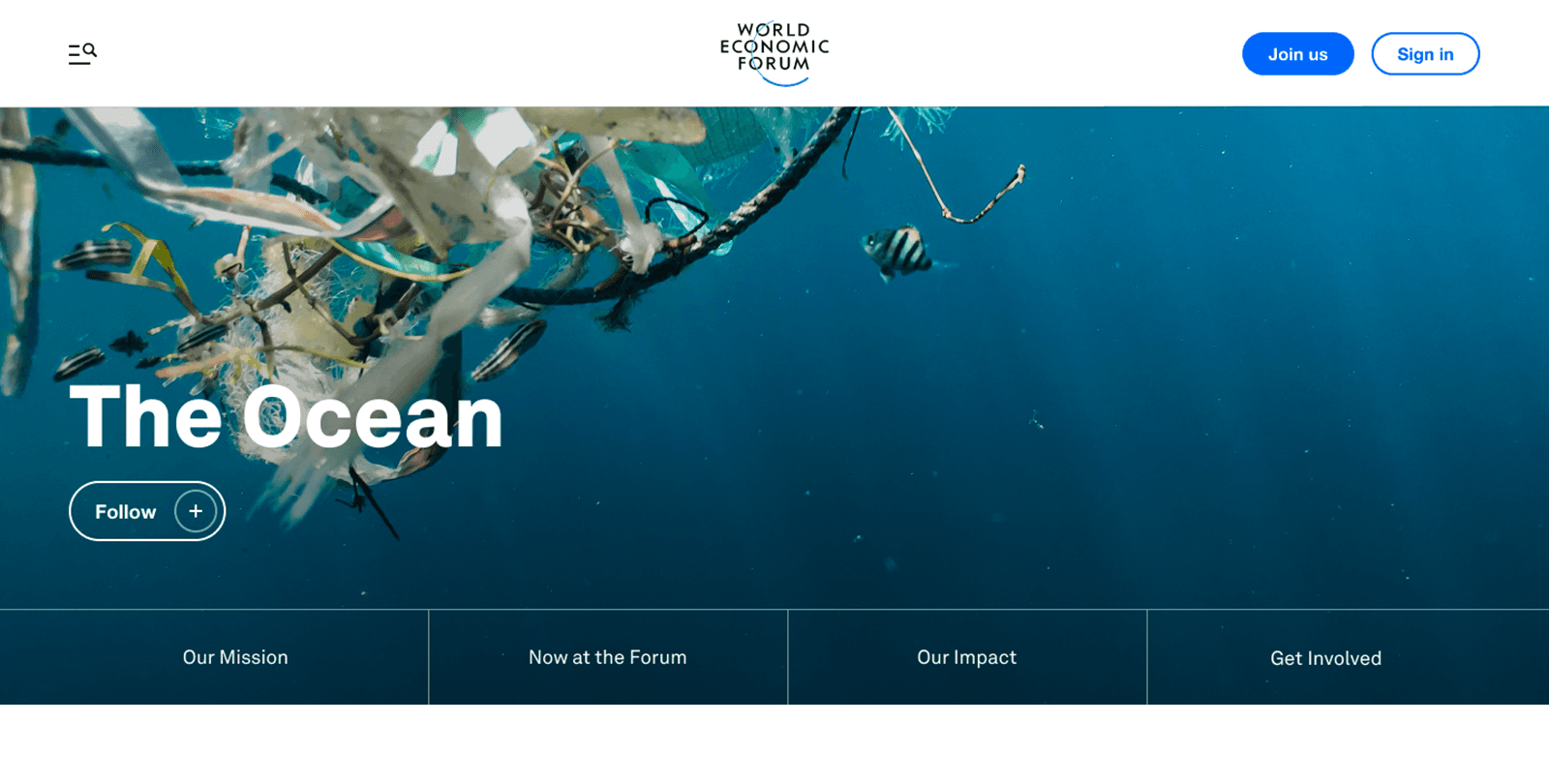
Hero Image Treatment for Topic Pages
Each Topic page features a large, impactful hero image. This image poses a classic development conundrum: itself content‑managed, whilst also having content‑managed elements laid over the top of it.
Our solution provides content creators with controlled image alignment across different screen sizes. It also employs several subtle gradient overlays to ensure that the clarity between the image and overlaid content is not lost, regardless of the image used.
My Forum
Tied in with the new User and Topics functionality we had already introduced, My Forum was a personalised feed where users could follow topics of interest. New and promoted content from each topic was then displayed within the user's My Forum page, offering a much quicker way to access new articles and information as they were published on the Forum.
The Outcome
My work with the Forum helped establish a shared React foundation that could progressively bring the Forum's disparate online properties closer together, whilst also delivering substantial new parts of the website, including Topics, My Forum, and the shared navigation and user experience. These new features received very positive feedback from within the Forum and from its users and members, with the work regarded as a significant step forward in the quality and direction of its online platforms.
- "
John Kavanagh is one of the best front‑end developers I've had the pleasure of working with. Incredibly knowledgeable, great attention to detail – he understands design and why it's important to get it right, and he's also very experienced coding for accessibility. Always professional but with a great sense of fun, John would be an asset to any team and project."