
Delete All Local Git Branches Except for master or main
Clean up local Git branches safely with commands that keep main or master, explain ‑d versus ‑D, and avoid accidental remote branch mistakes in busy repos.
Articles
Git is the unglamorous shared memory behind most software teams. These articles concentrate on the small commands and working habits that make version control safer and clearer, because I honestly don't know how we managed team development before it came along.
master or mainClean up local Git branches safely with commands that keep main or master, explain ‑d versus ‑D, and avoid accidental remote branch mistakes in busy repos.
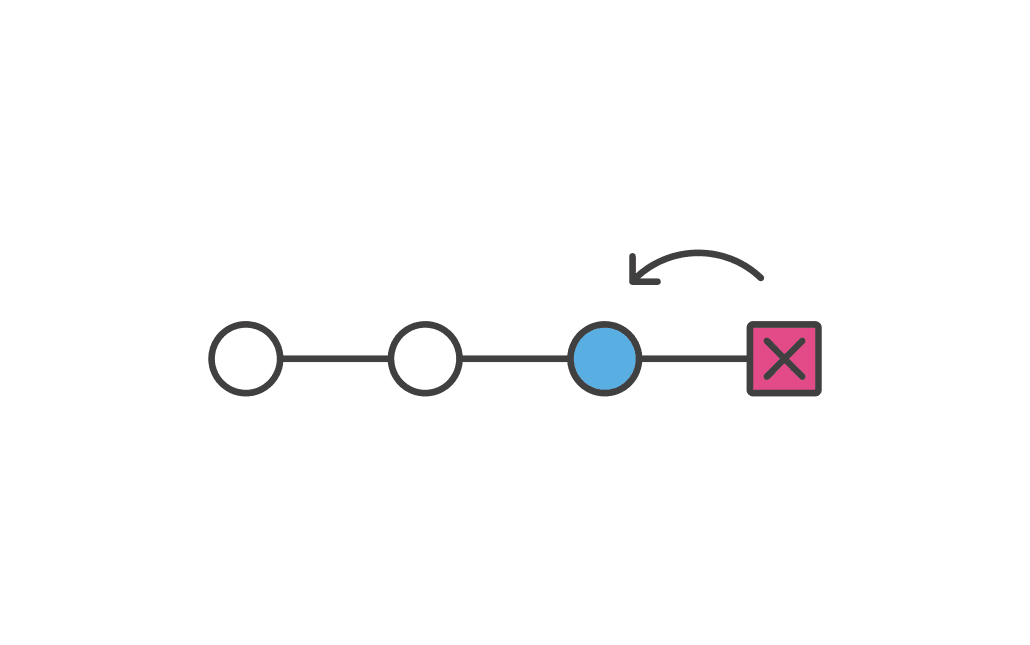
Amend Git commits safely with git commit ‑‑amend, message fixes, forgotten files, reset alternatives, tidy history, and remote‑branch cautions.
Rename local and remote Git branches cleanly, including branch switching, pushing the new name, deleting the old remote, and avoiding typo fallout.
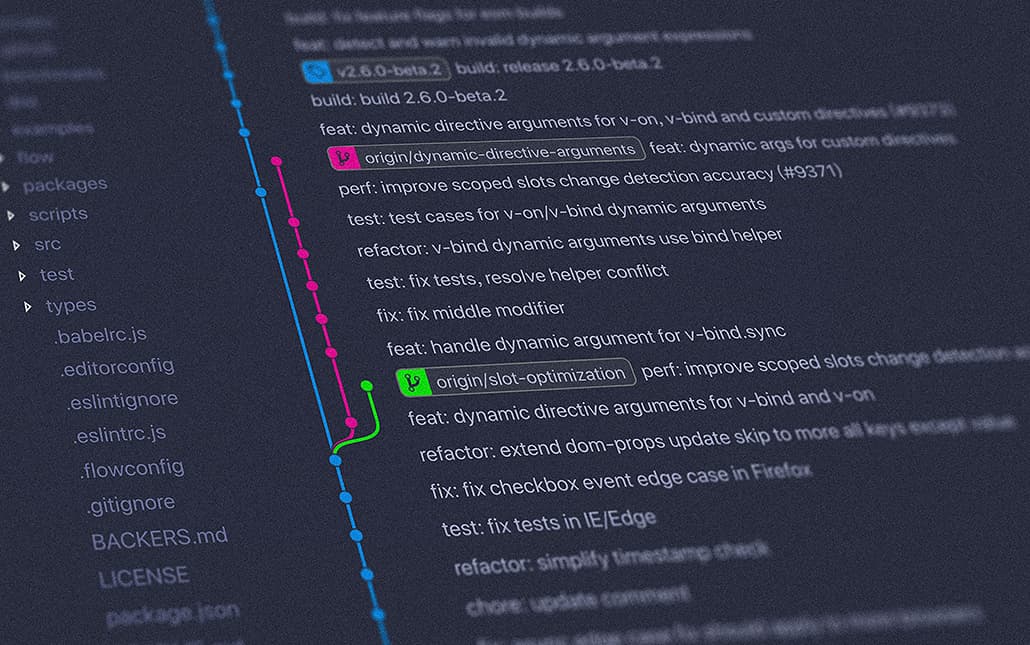
Git is version control, but it also gives you a running record of how work evolved. This article uses that diary analogy to make Git less abstract.