Git is a Little Bit Like a Diary
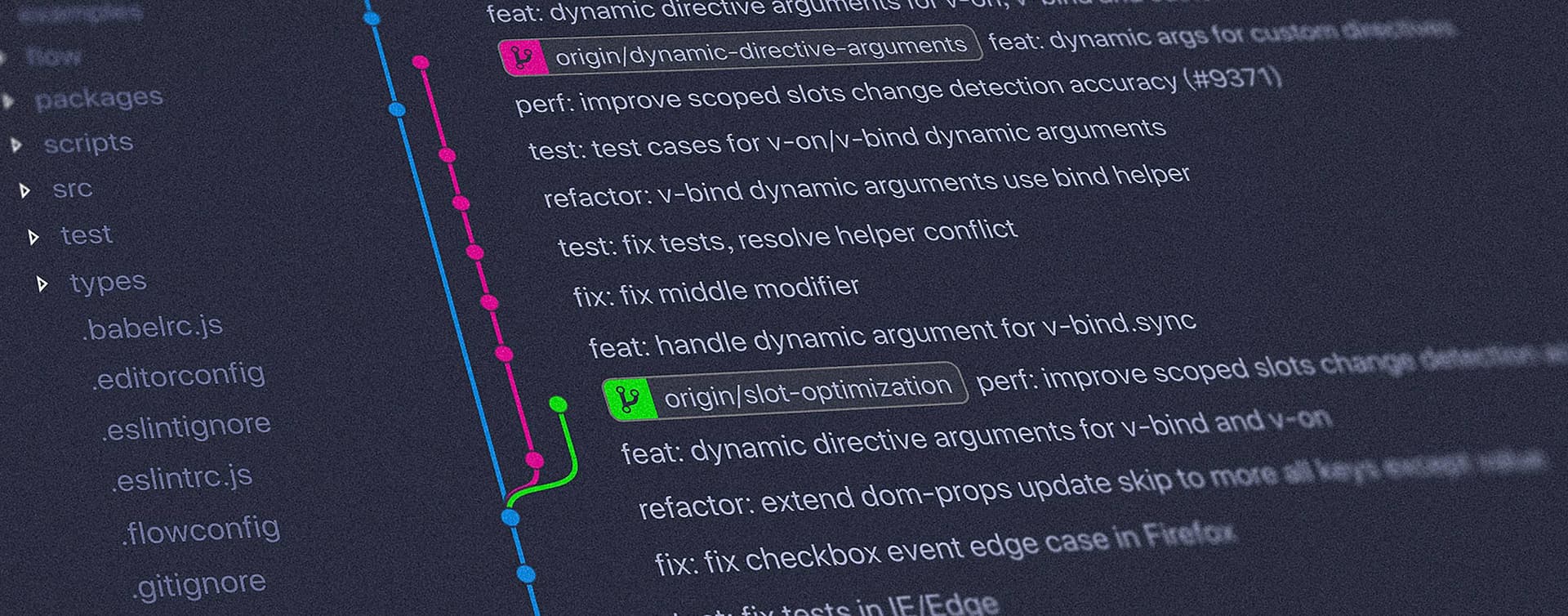
I started using software versioning and revision control systems somewhere not far off two decades ago with SVN, then joined Github in 2012 and have been using it somewhat prolifically ever since. At the time of writing, according to Github, I have committed over 14,000 times, a total of over 331,800 lines of code.
It is fair to say that I ‑ much like the rest of the development population ‑ embraced version control early in my career, formed a habit, and never looked back.
So, What Actually is Git?
I've often found using the word 'git' around non‑developer‑types can lead to confusion, humour, or uncertainty, it does after all have a slightly profane connotation, especially if you are British.
Fortunately, that isn't at all the case. However there is some disagreement over whether it is indeed actually an acronym or not; some suggest it stands for 'Global Information Tracker', whilst the creator himself simply proclaims "I name all my projects after myself".
Git records commits and history in a local repository, so it works even without a remote server. A remote gives us another copy to share with collaborators: git fetch retrieves remote history, git pull retrieves and integrates it, and git push sends our commits to the remote. Those commands, or automation we deliberately configure, perform the synchronisation. Git does not quietly keep every copy up to date for us.

There's a lot more to Git than this: it is a tool that can be used to debug problems that have found their way into the codebase, a tool to review and monitor your team's development, a tool to simply keep track of a project's progression, even a tool to feed into the bottom of your CI pipeline. For the sake of this article, though ‑ where really all I want to do is draw a similarity to keeping a diary ‑ these fall outside of scope.
Why is It a Bit Like a Diary?
When working on a project alone, you could argue that Git is a little redundant: the only person who will see it is you. In that way, writing commit messages in Git is much like writing a traditional diary (or 'journal' for you American folk): a step‑by‑step history of the work you have done:
“Dear diary/Git. Today I wrote a new (feat) and (fix)ed three (chore)s...

Even if it is a one‑person‑project it is still important to carry on best practices, and there are other benefits too:
- It offers an easy 'undo' option. There are plenty of times when I've worked through a problem only to find that the solution either does not work as expected or causes another problem elsewhere; this was particularly a problem when working on older, monolithic‑style codebases with lots of contributors of varying talent. With Git it is very straightforward to revert a change.
- You can still use branching strategies to separate different concerns within the project. Almost without fail I always have a
deploybranch in my projects; this is the one connected up to my CI build process and will release a full new build to the live site. I will often also have apreviewbranch which builds to a URL I've shared with the client to show progress as it happens. Git is an extremely effective tool for maintaining these differing codebases and merging between them as needed. - If you are using a standardised convention for your commit messaging (like Conventional Commits), you can do all sorts of clever things with automatic documentation, task completion, and even release notes.
- Pushing commits to a separate remote can protect another copy of that committed work. Commits that have not been pushed, and files that have not been committed, still need a backup plan; using Git alone does not mean they have been backed up.
- Keeping a concise log of your work allows you to keep track of your own thought process: when did you change that piece of code, and why?
In my experience, it is that last point in particular that makes using Git ‑ even on a single‑developer project ‑ most valuable. When you move between different projects, codebases, and technologies as often as a freelance developer inevitably does it is often difficult to look at a piece of code you wrote ‑ even a few days earlier ‑ and fully comprehend what you were doing or why. Git commit messages offer you that little glimmer of insight into your thought process at the time and help you get back into the same mindset. Much like a diary.