LeetCode: Converting Integers to Roman Numerals
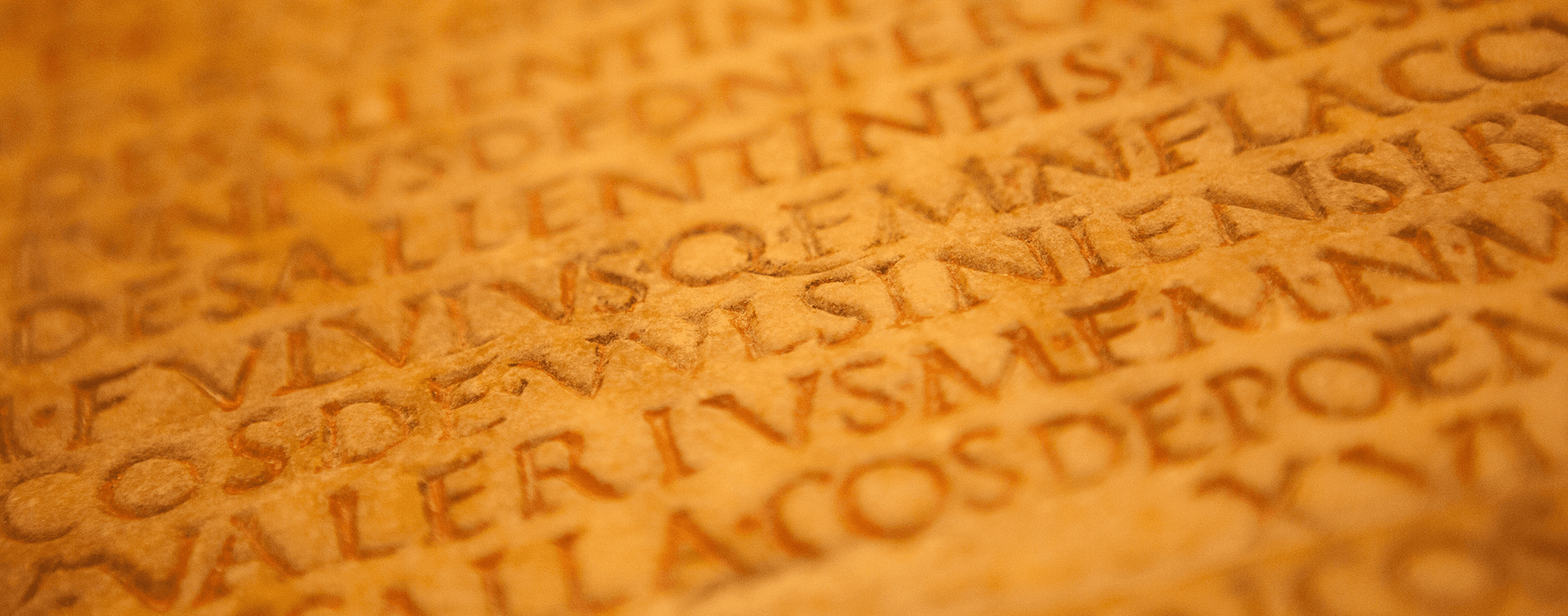
Although there are a few plugin options to convert Western integers (e.g., 123) to Roman numerals (e.g., CXXIII) ‑ or 'romanise' as I've seen described ‑ it isn't something that necessarily needs the overhead of an additional dependency, especially when use cases are very niche anyway.
Nevertheless, it is a good algorithmic programming challenge, worth looking at simply for the sake of practice. In LeetCode, this is known as the "Integer to Roman" problem.
Understanding Roman Numerals
These historic symbols have been around for millennia, and, despite their age, they remain a mainstay in our modern world. They can be spotted on clock faces, book chapters, and BBC copyright notices.
Technically, Roman numerals use a combination of letters from the Latin alphabet (I, V, X, L, C, D, and M) to signify values. Here's what each symbol stands for:
I: 1V: 5X: 10L: 50C: 100D: 500M: 1000
However, it is more complicated than that. The trick to understanding Roman numerals lies in their unique formation:
- Generally, numerals are written from largest to smallest from left to right.
- When smaller numbers precede larger numbers, subtract the smaller number. For instance,
IVis4because you subtract the 1 (I) from 5 (V), giving you4. - When the smaller number follows a larger number, you add. For instance,
VIIis7.
This leads us to some standard numeral formations we will need to bear in mind when we start to (de)code this conversion:
IV: 4 (5 ‑ 1)IX: 9 (10 ‑ 1)XL: 40 (50 ‑ 10)XC: 90 (100 ‑ 10)CD: 400 (500 ‑ 100)CM: 900 (1000 ‑ 100)
The JavaScript (TypeScript) solution:
For a systematised approach to converting integers to Roman numerals, we can start by defining the standard Roman numerals and their corresponding integer values. Then, we'll repeatedly subtract the largest numeral value from our number, appending the corresponding Roman numeral to our result.
The Code
In TypeScript, this looks like this:
const intToRoman = (num: number): string => {
  const values: number[] = [1000, 900, 500, 400, 100, 90, 50, 40, 10, 9, 5, 4, 1,];
  const numerals: string[] = ['M', 'CM', 'D', 'CD', 'C', 'XC', 'L', 'XL', 'X', 'IX', 'V', 'IV', 'I'];


  let result = '';

  for (let i = 0; i < values.length && num > 0; i++) {
    while (values[i] <= num) {
      num -= values[i];
      result += numerals[i];
    }
  }
  return result;
};
Explanation
Values and Numerals Arrays:
These arrays act as a lookup for the Roman numeral values and their corresponding symbols.Iterate Through Values:
We loop through our values array, starting with the largest value.While Loop:
For each value, a nestedwhileloop checks if our number is greater than or equal to the current value. If it is, the number is reduced by that value, and the corresponding Roman numeral is appended to our result.
When broken down like this, it almost looks easy. But by following a systematic process like this, we can easily and efficiently convert an integer to its Roman numeral equivalent.
Why You Should Care
Naturally, real‑world use cases for Roman numerals are very rare, and whilst the direct application of converting integers to Roman numerals might not appear often in daily web development tasks, solving it helped to reinforce algorithmic thinking.
Problems like these challenge us to think about data in novel ways and develop efficient solutions – a skill invaluable in any developer's toolkit.
Inputs and Edge Cases
Before writing the conversion, decide what range the function supports. Traditional Roman numerals do not have a clean built‑in representation for zero, negative numbers, or very large values without extra notation. For a LeetCode‑style version of the problem, the useful range is usually 1 to 3999.
That range decision belongs in the function contract. Either reject values outside it or document that the function expects valid positive integers in that range. Silent output for invalid input is harder to debug than a clear guard.
Complexity and Tests
The greedy approach works because Roman numerals are built from a small ordered set of symbols and subtractive pairs. Walk the symbol list from largest to smallest, append as many symbols as fit, then move on.
Runtime is effectively constant for the usual 1 to 3999 problem range because the symbol list is fixed. Useful tests include 1, 4, 9, 40, 90, 400, 900, a mixed value such as 1994, and the upper bound 3999.