Testing the Content of JSX Data in Cypress
In Brief
For controlled JSX message data, extract text from its strings, numbers, HTML elements and fragments, preserving explicit spaces. Normalise that text and the rendered DOM text, then compare them in a retrying Cypress .should() callback. This checks text order, not layout or custom‑component output.
I've recently been working on a new feature for my airline client, which involves extending the new search interface my team and I recently launched. With the previous search experience, the marketing team had been using Adobe Target to target specific search queries to display seasonal and location‑specific messages. Naturally, this was a feature the client was keen to include in the new search experience. Target supports both experimentation and personalisation, but I wanted these messages to be owned by the new application and its CMS. Continuing to manage them through Target was a poor fit for that design.
So, whilst we waited for the new headless CMS to be ready, we were presented with a set of markup which had been extracted from Target and was to be displayed strictly as provided. We ended up with a data structure where each object was an airport code (or series in the case of targeting specific journeys), with an accompanying title (a string) and description (as JSX ‑ directly from the HTML markup provided).
Here's a brief excerpt demonstrating the message for Antigua (whether the arrival or departure airport) and for the journey from Barbados to Edinburgh:
export const messages = {
  ANU: {
    title: 'Looking for flights to Antigua?',
    description: (
      <>
        <p>
          Fly direct to Antigua with Virgin Atlantic during our seasonal service{' '}
          <strong>three times a week</strong>.
        </p>
      </>
    ),
  },
  'BGI-EDI': {
    title: 'We can see you searched for Edinburgh to Barbados flights.',
    description: (
      <>
        <p>
          Unfortunately we recently made the tough choice to suspend our plans to
          operate these services. We're still serving this Caribbean favourite
          from Manchester and London Heathrow, if you'd like to fly from there
          instead.
        </p>
      </>
    ),
  },
};
I should mention here that some of the messages also include lists and other markup artefacts, which is why each description has been wrapped in a fragment (<></>), although it would make no difference whether some were multiple elements within fragments whilst others were single‑element items.
Development for this was relatively straightforward, and before too long, we had everything working:
Test Coverage
In this project environment, we use Cypress for test coverage. Testing that the message was displayed for specific searches was relatively straightforward; the complication with Cypress comes when you need ‑ as we did ‑ to test JSX, to ensure that the right message is being displayed for the right search.
In this test, Cypress reads the rendered DOM rather than comparing React element objects. JSX describes what the UI should look like. The build transforms it into calls that create those objects: the classic transform uses React.createElement, whilst the automatic JSX runtime uses helpers imported by the compiler. React then renders the elements.
Whilst in our case, we are essentially only using JSX as an HTML wrapper anyway, this can become much more difficult if you're dealing with dynamic content or further component abstraction.
Suffice it to say: it isn't as simple as writing a test that says cy.get(selectors.content).should('contain', JSX).
Whilst there's no right or wrong way of approaching this (and believe me ‑ I've tried a few in my time), the simplest method I've come up with to test JSX data against the rendered result in Cypress is to:
- Extract text from the JSX object;
- Normalise whitespace in that text and compare it with the normalised rendered text, preserving the full order.
Extracting Text from JSX
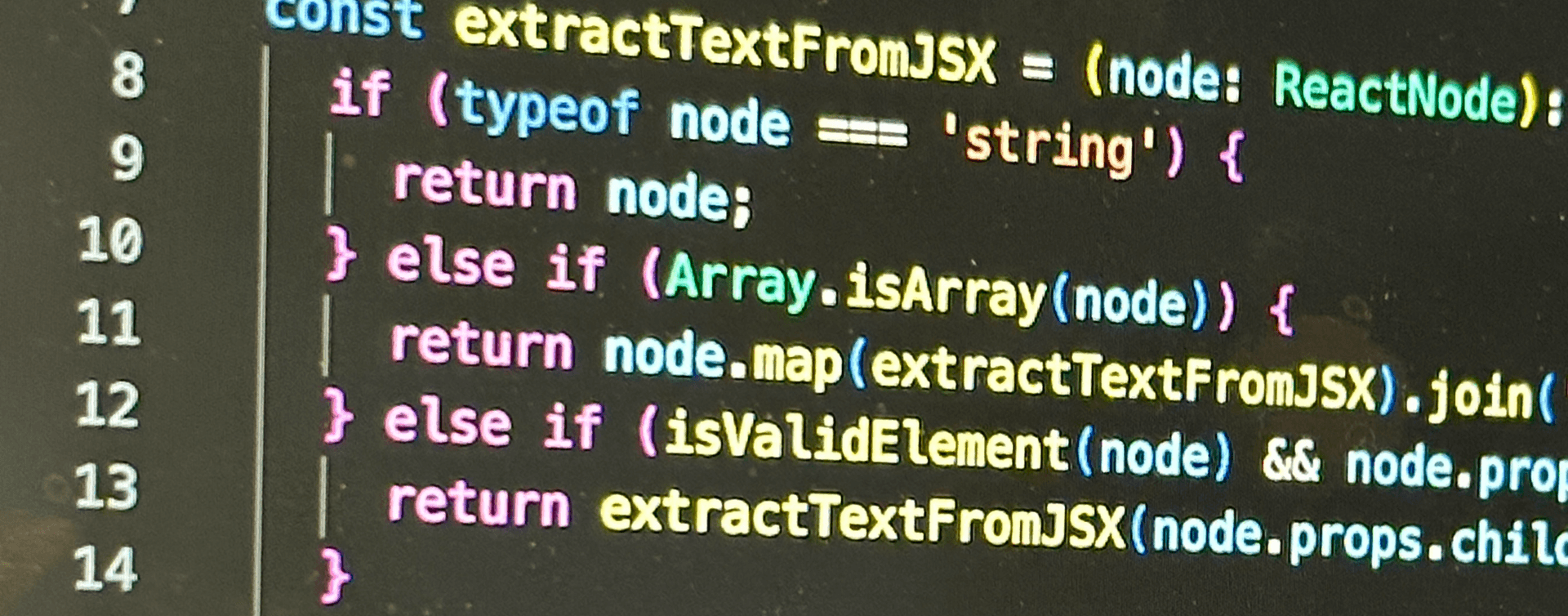
For this controlled message data, I wrote the TypeScript helper below. It reads strings, numbers, arrays, fragments and ordinary HTML elements. It does not render custom components; it rejects those rather than pretending their supplied children are the component's output.
import { Fragment, isValidElement } from 'react';
import type { ReactNode } from 'react';

const normaliseText = (value: string): string =>
  value.replace(/\s+/g, ' ').trim();

const extractTextFromJSX = (node: ReactNode): string => {
  if (node == null || typeof node === 'boolean') return '';
  if (typeof node === 'string' || typeof node === 'number') {
    return String(node);
  }
  if (Array.isArray(node)) {
    return node.map(extractTextFromJSX).join('');
  }
  if (isValidElement<{ children?: ReactNode }>(node)) {
    if (typeof node.type !== 'string' && node.type !== Fragment) {
      throw new TypeError('Render custom components before comparing their output.');
    }
    return extractTextFromJSX(node.props.children);
  }
  throw new TypeError('This helper only supports controlled JSX message data.');
};
Here, we recursively extract the text without inventing spaces between children:
- If the node is a string or number, return its string value. This preserves
0, including when it is an element's only child. - If the node is an array, extract each child and join the results with an empty separator. Explicit spaces in the JSX are already text children and remain in the result.
- For an ordinary HTML element or a fragment, recurse into
node.props.children. A custom component needs rendering to determine its output, so this helper throws for that case. - Return an empty string for
null,undefinedand booleans, which contribute no rendered text. Other unsupported node shapes also throw.
For example, <strong>Hello</strong>! within a fragment produces Hello!; <span>{0}</span> produces 0. Adjacent <p>Hello</p><p>world</p> elements produce Helloworld, just as DOM textContent does. To obtain Hello world, supply the space explicitly, for example <><strong>Hello</strong>{' '}world</>. This checks text content, not visual spacing, CSS‑generated content or form field values.
Testing JSX Against Rendered Content
Once the helper has extracted the expected text, compare its normalised value with the rendered element's text. Normalisation collapses existing whitespace; it does not insert a space where none exists. Put the assertion in a .should() callback so Cypress can retry whilst the content updates.
Here's one I prepared earlier:
const expectedTextContent = normaliseText(extractTextFromJSX(description));

cy.get(selectors.content).should(($content) => {
  expect($content).to.have.length(1);
  expect(normaliseText($content.text())).to.equal(expectedTextContent);
});
What this does is:
- Create
expectedTextContentfrom the controlled JSXdescription. - Use
normaliseText()to collapse whitespace in the expected and actual values. - Use
.should()to check that the selector matches one element and compare its text with the expected value. Cypress retries failed assertions until they pass or the command times out;.then()would run its callback only once.
Keep the callback free of side effects, because it may run more than once. If the page can briefly show the expected text before another update, wait for the relevant application request or state as well. A passing text assertion alone does not prove that every update has finished.
Caveats
As you might have already noticed, there are ‑ of course ‑ a couple of caveats with this approach (although I would argue this is still the most straightforward approach)...
Ordering
The normalised equality check preserves word order. For example, lorem ipsum dolor sit amet does not equal ipsum dolor lorem amet sit, even though both contain the same individual words.
If the component deliberately inserts unrelated text between sections, compare meaningful ordered chunks such as individual paragraphs instead of weakening the assertion to unordered words.
This preserves the sequence of text: missing, duplicated or reordered words cause a mismatch. Whitespace‑only differences are deliberately normalised, and this test does not verify the HTML structure or accessible meaning of the message.
Performance
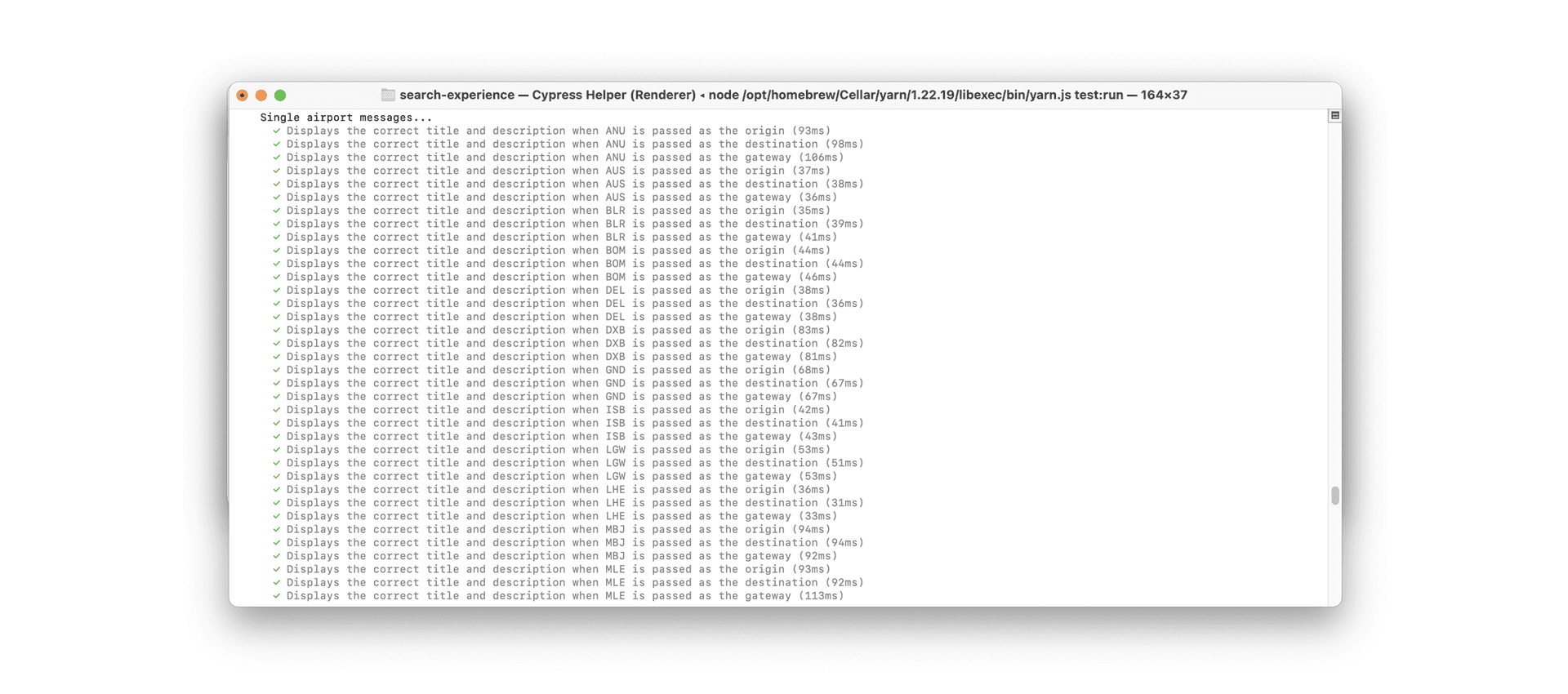
In the project's original tests, we observed times between around 31ms and 110ms. Those are historical observations of that version, not a benchmark for this helper or the retrying assertion above. Larger message trees and time spent waiting for the UI can both affect the test duration.
The work in extractTextFromJSX grows with the text and nodes it visits. The old word‑by‑word test added separate Cypress commands and assertions for every word; comparing the whole text avoids that repeated command setup. The .should() callback can still read and compare the text more than once whilst it waits for a match.
Wrapping Up
In our case, where it is necessary to add Cypress tests that ensure the text from our JSX matches the rendered output, the most straightforward approach I've found is:
- Extract the text from the controlled JSX, preserving the spaces its children actually contain.
- Normalise both strings and compare them in order within a retrying
.should()assertion.
There are any number of other ways to approach this, but for us, this is how we approached it.