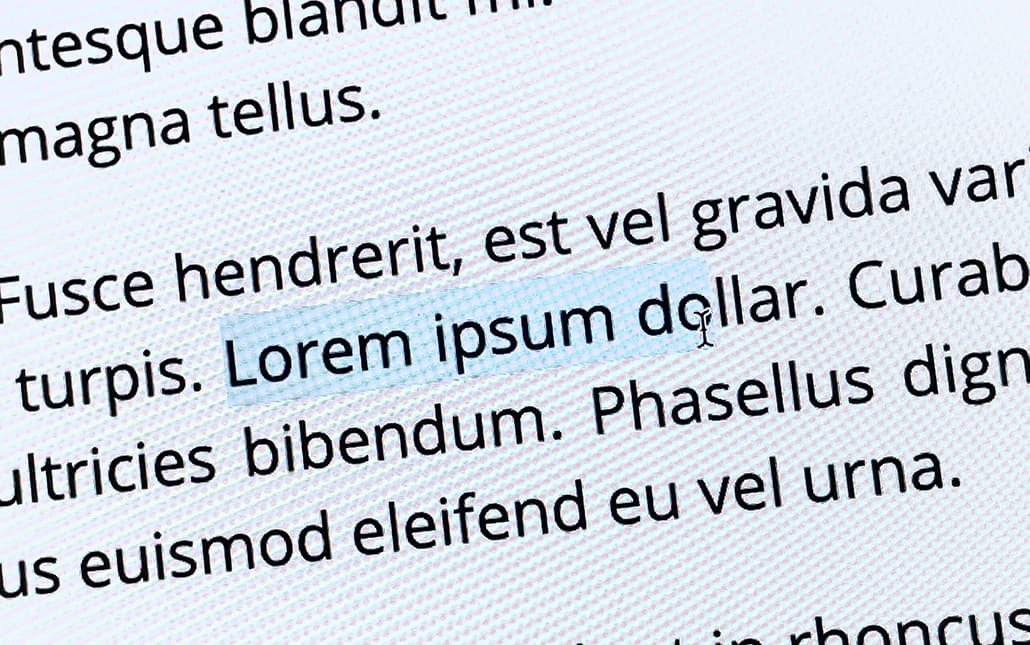
Disabling Text Selection Highlighting with CSS
Disable text selection with CSS user‑select, including browser prefixes, input caveats and a visual ::selection fallback for older browsers.
Articles
Accessibility is part of front‑end engineering, not a final audit before release. These articles deal with the implementation details that decide whether an interface is genuinely inclusive, as well as the team habits that stop the same barriers returning in the next component or redesign.
Disable text selection with CSS user‑select, including browser prefixes, input caveats and a visual ::selection fallback for older browsers.
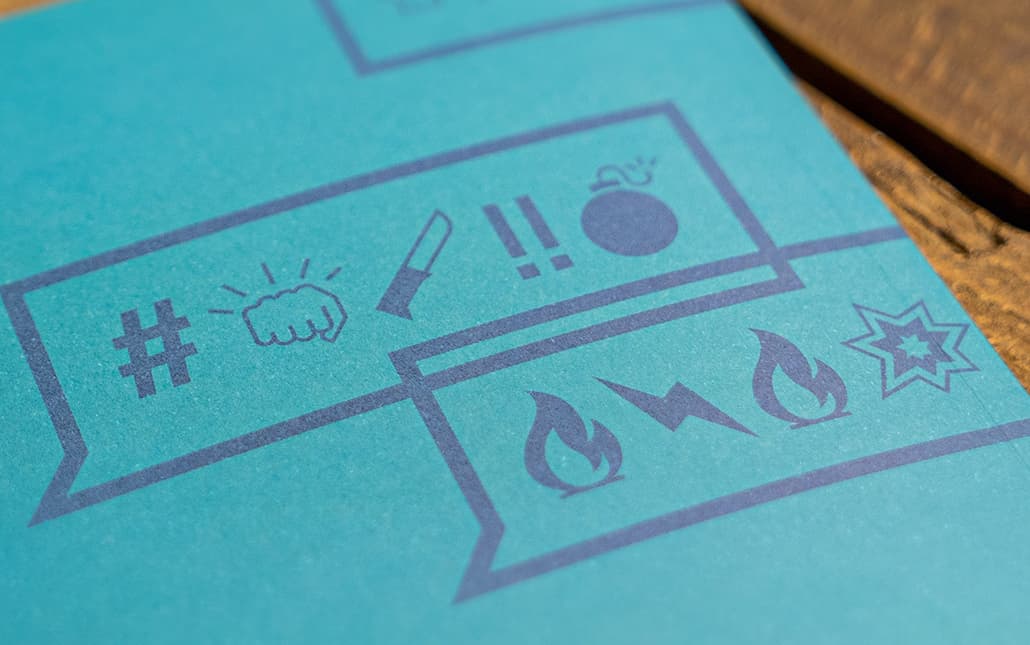
content PropertyThe 'content' property in CSS is often used to insert graphical elements which ‑ on their own ‑ do not have an accessible alternative text available.

See why target="_blank" needed rel="noopener" in 2018, how noreferrer differs, and why modern browsers and user choice still matter.

Use CSS reduced‑motion preferences without losing content or feedback, with static‑first and targeted override patterns bounded to Safari‑first 2018 support.

Accessibility and usability overlap, but need different evidence. How to combine standards, research with disabled people, and checks of the complete task.

Optimise HTML markup for SEO and accessibility with semantic elements, heading structure, alt text, clean code, anchor text, and crawler‑friendly structure.

Use HTML constraint validation attributes and APIs to improve client‑side form feedback without replacing accessible errors or server‑side checks.

Use links for navigation and buttons for actions, preserving native focus and keyboard behaviour before adding custom click handlers or ARIA roles.