
Privacy by Design is Not a Cookie Banner
Privacy by design means building safer data handling into platforms, analytics, CRM integrations, and workflows from the start, not relying on banners later.
Articles
Accessibility is part of front‑end engineering, not a final audit before release. These articles deal with the implementation details that decide whether an interface is genuinely inclusive, as well as the team habits that stop the same barriers returning in the next component or redesign.
Privacy by design means building safer data handling into platforms, analytics, CRM integrations, and workflows from the start, not relying on banners later.

<b> and <strong>The <b> and <strong> tags both make text bold, but they serve very different purposes and convey different meaning. Here, I explain these differences.

I am not a fan of carousels, although I have built many in my career. Here, I discuss why they hinder UX and SEO, and explore alternatives for engaging content.

Accessibility issues often creep in through ordinary front‑end habits. This article covers common mistakes and the fixes that make sites easier to use.
Semantic HTML explained through meaningful elements, HTML5 structure, header, nav, footer, section, figure, accessibility, and more understandable markup.

Use Chrome Developer Tools to track focused elements, debug phantom keyboard focus, improve accessibility testing, and create a useful live expression.

See why CSS visual order can differ from document, reading, and focus order, with Flexbox and Grid examples plus a safer responsive structure to test.

Use ARIA live regions for dynamic status updates, choose polite or assertive announcements, handle repeated messages, and know when focus should move.

Ethical web development part two covers accessibility, inclusivity, WCAG, open source responsibility, and how developers can make safer web experiences.

Change placeholder text colour with CSS ::placeholder, including browser defaults, form styling, input states, and accessible use of placeholder copy.

Why web developers are responsible for protecting user privacy, rejecting manipulative consent patterns, and building secure, maintainable websites.

Browsers now support the copy event, which allows developers to intercept and modify content placed onto a clipboard, when copied from their site.

Build accessibility into reusable front‑end components with names, keyboard behaviour, focus states, form semantics, disabled states, and testing habits.

Keep CSS focus styles accessible without showing outlines after every mouse click, using keyboard‑only patterns, :focus‑visible thinking, and UX trade‑offs.

Reduce image brightness with CSS filters. This guide explains brightness() values, transitions and the trade‑offs when adjusting images for dark mode.

A common issue I come across when auditing sites with Lighthouse is the "Links do not have a discernible name" error where links don't contain text.

Hide empty elements with the CSS :empty pseudo‑class, including strict matching rules, whitespace caveats, supported selectors, and practical UI uses.
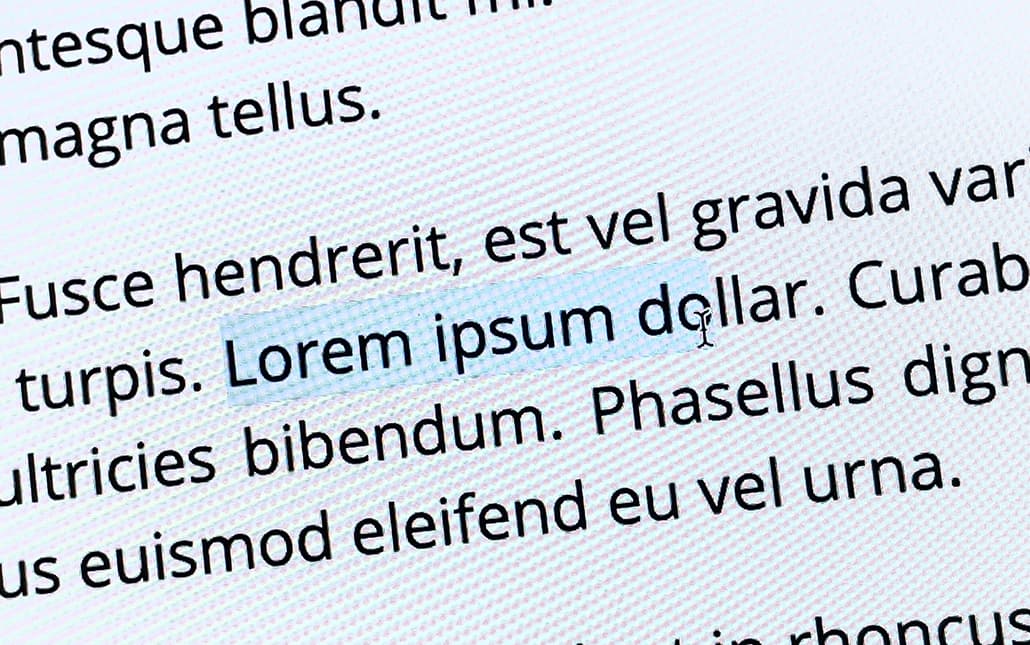
Disable text selection with CSS user‑select, including browser prefixes, input caveats and a visual ::selection fallback for older browsers.