Reducing Image Brightness with CSS

When I first started out in front‑end development, the release of Internet Explorer 5.5 was widely celebrated as Microsoft introduced a vast number of registry‑based visual effects via the (then‑proprietary) filter tag. You could even include animations and combine the two together with basic scripting (important to note: not JavaScript) to create visual shifts between different states, right there in the browser!
The documentation for this is all still online and continued to be supported all the way up to Internet Explorer 9. Whilst Microsoft and Internet Explorer have long been the butt of web development jokes, and the antihero in many young front‑end developers' nightmares, they really did pioneer what we now take for granted in CSS2.1 and CSS3.
CSS filter effects are now extremely well‑supported in all but ‑ ironically ‑ Internet Explorer browsers, mainly because their version was a bit different. For example, making an element 50% transparent was as simple as:
.classname {
  filter: progid:DXImageTransform.Microsoft.Alpha(Opacity=50);
}
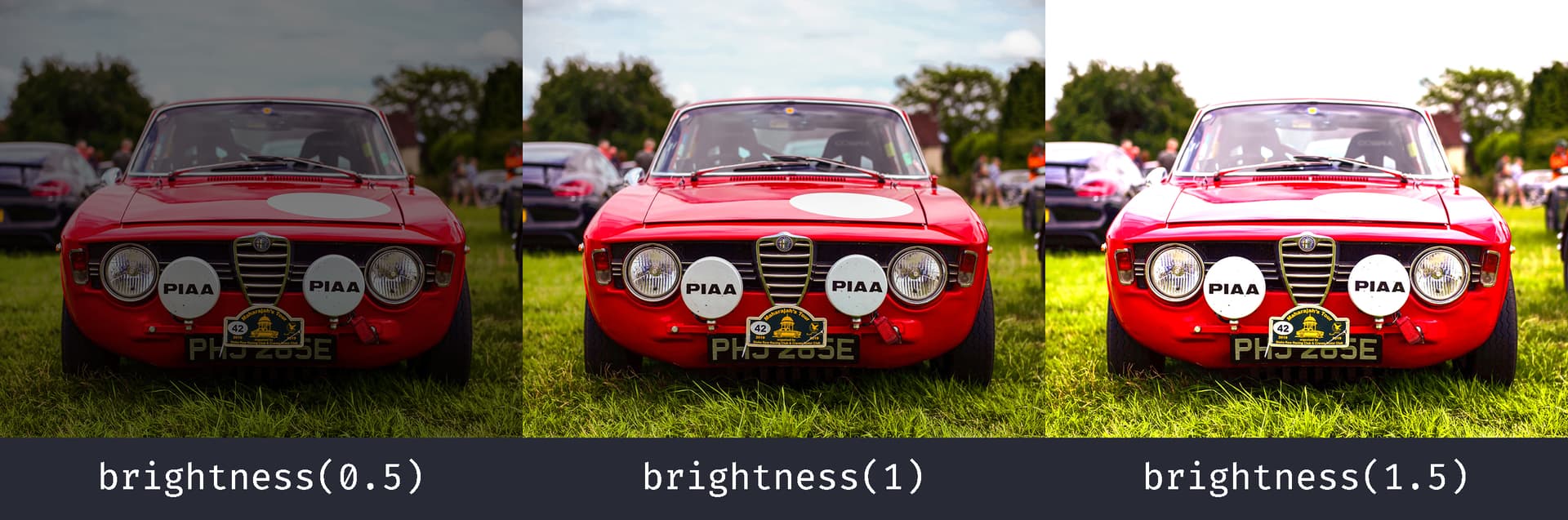
One of the most useful filter properties is brightness(), which is a great way of editing the appearance of an image in‑browser. Quite simply, brightness() is a filter function which accepts an amount‑value (either decimal or percentage) where:
0(or0%) is absolutely black;1(or100%) is unfiltered ‑ the image doesn't change;- anything above
1(or100%) will brighten the image.
For example:
.alfaromeo-1{
  filter: brightness(0.5);
  /* Or filter: brightness(50%); */
}

.alfaromeo-2{
  filter: brightness(1);
  /* Or filter: brightness(100%); */
}

.alfaromeo-3{
  filter: brightness(1.5);
  /* Or filter: brightness(150%); */
}
Animate brightness()
You can animate brightness() with the transition property, then change a class or state to select the other value. An explicit brightness(1) makes the unfiltered state easy to see in the code, but it is not compulsory: the browser can interpolate from filter: none using the neutral value. The dark‑mode example below includes both states.
Images in Dark Mode
A bright white image can feel jarring against a dark page. I sometimes use brightness() to soften that contrast, though it is a visual preference rather than a treatment for eye strain.
The following example slightly reduces brightness and increases contrast in dark mode. Check the actual images before applying it everywhere: a photograph, screenshot or diagram may lose useful detail. I have included a short transition, but the @media rule works without it.
img {
  filter: brightness(1) contrast(1);
  transition: filter 50ms ease-in-out;
}

@media (prefers-color-scheme: dark) {
  img {
    filter: brightness(0.9) contrast(1.1);
  }
}
It probably goes without saying that if you're not using a prefixer, then you will also need to use suitable browser prefixes to your CSS, as required by your user base. Here is what that same image looks like in both states:
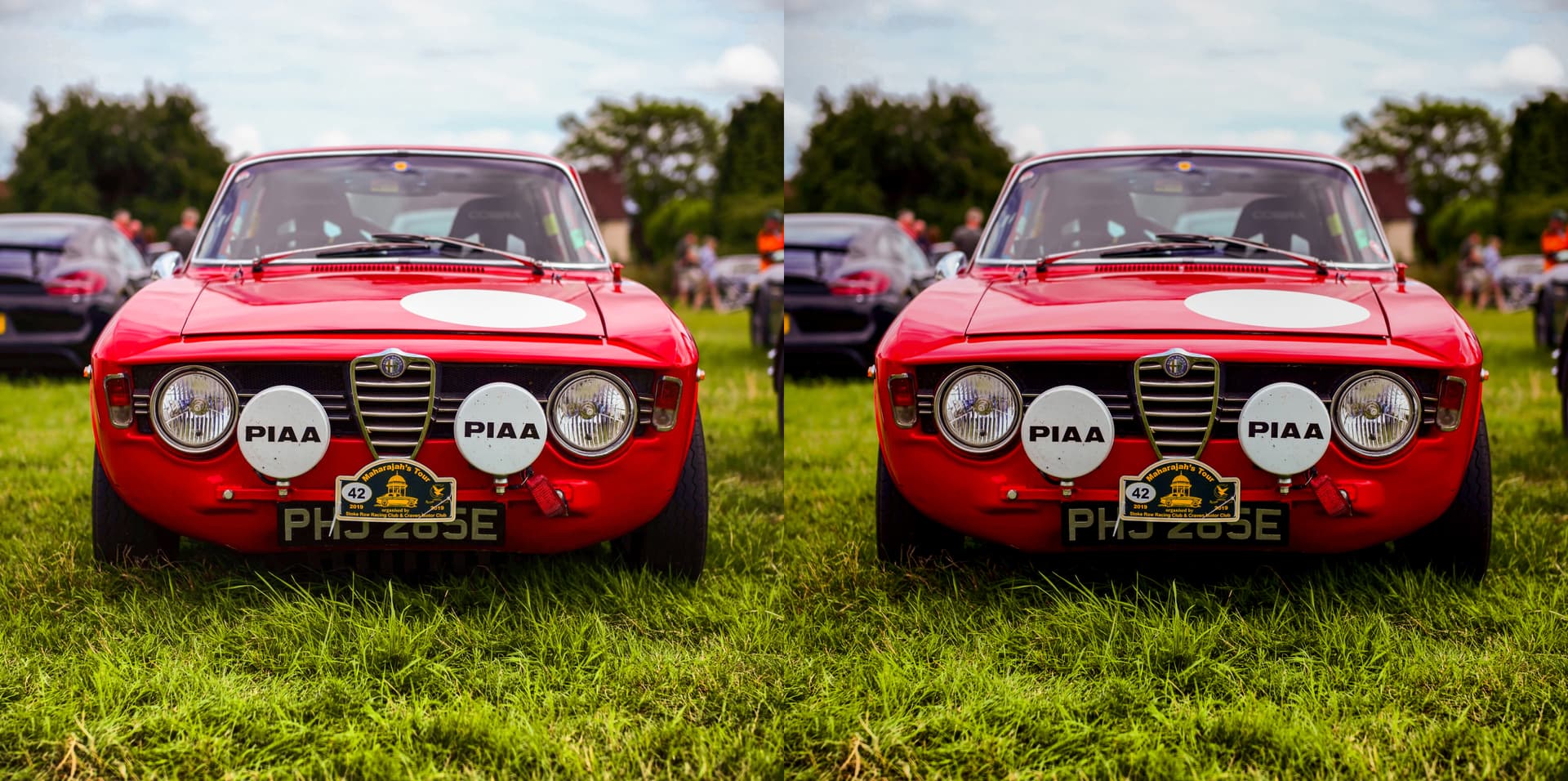
The effect is subtle. brightness(0.9) means 90% of the original brightness, not 90% darkness. Whether it looks better depends on the image and the surrounding page; keep the detail people need to understand the content.
Don't forget too that you can apply filter to just about anything. I've only discussed images here but there is no reason you could not use it on just about any HTML element...