
Access CSS Variables from a Database via db-connect
In CSS, db‑connect is a misunderstood but immensely useful technique for connecting to databases directly from vanilla CSS in order to access stored properties.
Articles
Almost as old as front‑end development itself, CSS is a stylesheet language that describes the presentation of an HTML or XML document. We write CSS to describe how elements should be rendered and animated on‑screen, when printed, in speech, or in other media. In web development, writing CSS is an underappreciated skill that not many fully master.
db-connectIn CSS, db‑connect is a misunderstood but immensely useful technique for connecting to databases directly from vanilla CSS in order to access stored properties.

Website theft is frustrating, but there are practical ways to spot it and respond. This guide covers copied text, copied code, and escalation options.

Contentful rich text and Gatsby work well together until code snippets enter the picture. This guide shows how to render inline and block code cleanly.

Replace Gatsby's inlined production CSS with an external stylesheet by rewriting headComponents, with performance trade‑offs and historical context.

gatsby-image Even FurtherOptimise gatsby‑image with sensible maxWidth and quality settings, GraphQL image data, and selective use of the native loading attribute in Gatsby.

Keep CSS focus styles accessible without showing outlines after every mouse click, using keyboard‑only patterns, :focus‑visible thinking, and UX trade‑offs.

Understand parent selectors in CSS and Sass, including how ampersand nesting works, :has() context, BEM trade‑offs, specificity, and readability.

In typography, a 'widow' is the last line of a paragraph, which falls alone on the following page or column. On the web, this can be easily tackled with CSS.

Reduce image brightness with CSS filters. This guide explains brightness() values, transitions and the trade‑offs when adjusting images for dark mode.

calc()One of the most common pitfalls for developers new to Sass is string interpolation: why a Sass variable may not behave as expected inside calc().

On the occasion that you need to break a single (or several) CSS rules out of the nested structure of your CSS, the Sass @at‑root rule is exactly what you need.

Use Sass loops more deliberately, including while, for, and each patterns, generated selectors, readable output, and where loops beat repetition.

Hide empty elements with the CSS :empty pseudo‑class, including strict matching rules, whitespace caveats, supported selectors, and practical UI uses.
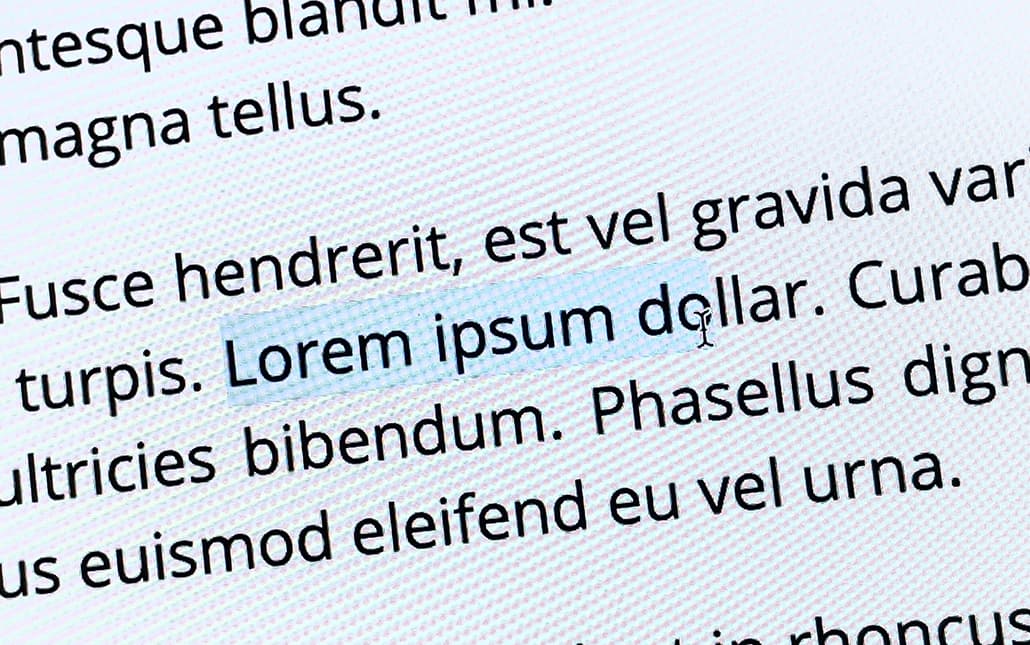
Disable text selection with CSS user‑select, including browser prefixes, input caveats and a visual ::selection fallback for older browsers.

content PropertyThe 'content' property in CSS is often used to insert graphical elements which ‑ on their own ‑ do not have an accessible alternative text available.


Manage colours, spacing, typography, breakpoints, and component values in front‑end code without scattering design decisions or weakening consistency.

float PropertyUse and clear the CSS float property in legacy layouts, including text wrapping, clearing behaviour, layout examples, and when modern tools are better.